
 My Account
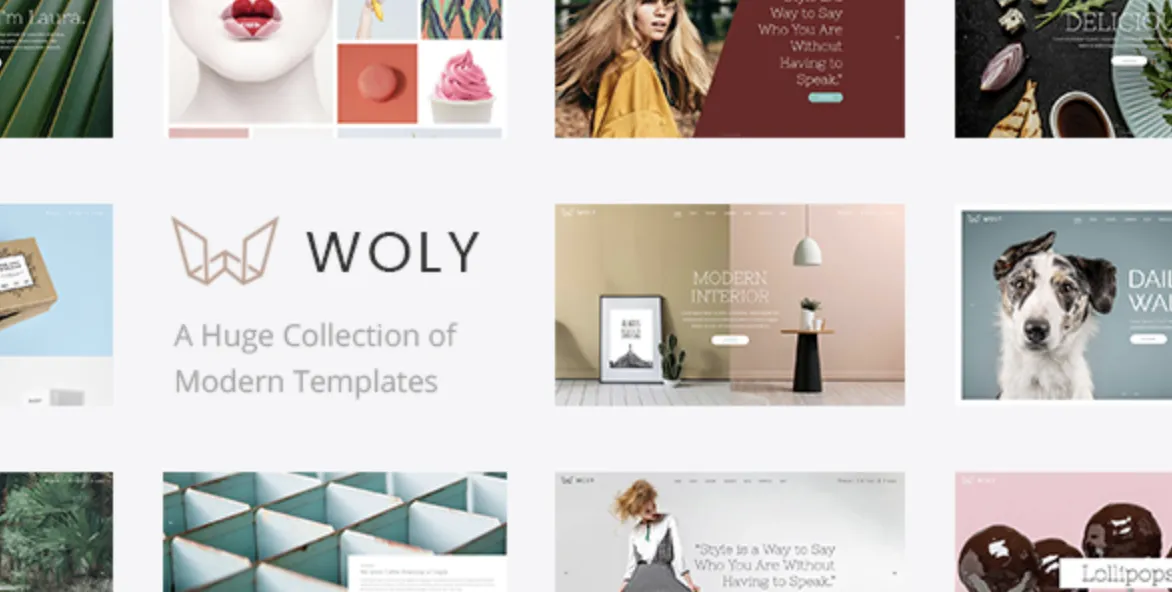
If you’ve chosen the Woly theme, congratulations — you’ve selected one of the most visually expressive WordPress themes designed for creative studios, personal portfolios, and modern agencies. This theme isn’t just stylish—it’s a statement.
In this tutorial, we’ll walk you through a fast and effective installation of the Woly theme (premium version), available at GPLPAL. Plus, we’ll guide you through the essential settings, common issues, and performance tips.
🌟 How to Install the Woly Theme in 5 Simple Steps
-
Download the ZIP File from GPLPAL
Visit GPLPAL and download the theme package, ensuring it’s thewoly.zip(not the full bundle). -
Upload the Theme via WordPress
Navigate to Dashboard → Appearance → Themes → Add New → Upload Theme → Selectwoly.zip→ Click Install. -
Activate the Woly Theme
Once installed, hit Activate. Your website will now reflect Woly’s unique style and layout. -
Install Required Plugins
Follow the prompt to install bundled plugins such as WPBakery Page Builder and Core Extensions. -
Import Demo Content
Go to Appearance → Import Demo → Choose a demo layout → Import. This gives you a full design scaffold to start from.
🔧 Woly Theme: 5 Post-Installation Essentials You Must Set Up
-
Set Static Front Page
Go to Settings → Reading → Select “A static page” → Choose Home. -
Customize Header & Logo
Use Appearance → Customize → Header Options to upload your logo and tweak visibility. -
Typography and Color Settings
Customize global fonts and colors to match your brand using the intuitive theme panel. -
Set Up Core Pages
Create Home, About, Services, and Contact pages using WPBakery. -
Mobile Optimization Check
Preview your site on mobile, adjust paddings/margins for a sleek UX.
⚠️ Common Woly Theme Installation Issues & How to Fix Them
-
“Missing style.css” error during upload
✅ Fix: Only uploadwoly.zip, not the entire package folder. -
Demo Import Failure or Timeout
✅ Fix: Increase PHP limits inphp.inior ask your host to raise memory/upload size limits. -
Theme Activation Results in a White Screen
✅ Fix: EnableWP_DEBUGinwp-config.phpto check plugin/theme conflicts.
🎨 Why Woly Theme Is a Smart, Stylish Choice for Creatives
-
Trendy layouts built for photographers, designers & agencies
-
Clean UX design that adapts to any brand vision
-
Drag-and-drop ease with WPBakery included
-
Performance-optimized for faster load times
-
No recurring costs when downloaded from GPLPAL
Woly is for those who believe in aesthetics, clarity, and branding through design.
🚀 Woly Theme Optimization Tips: Boost Speed & Impact
-
Enable caching with LiteSpeed or WP Super Cache
-
Use image optimization plugins like ShortPixel or Smush
-
Minify your CSS/JS with Autoptimize
-
Connect to Google Fonts locally for faster loads
-
Optimize mobile layout spacing with Customizer’s responsive settings
📘 Want to Dive Deeper into Theme Development?
Explore the WordPress Theme Handbook for detailed customization documentation.

