My Account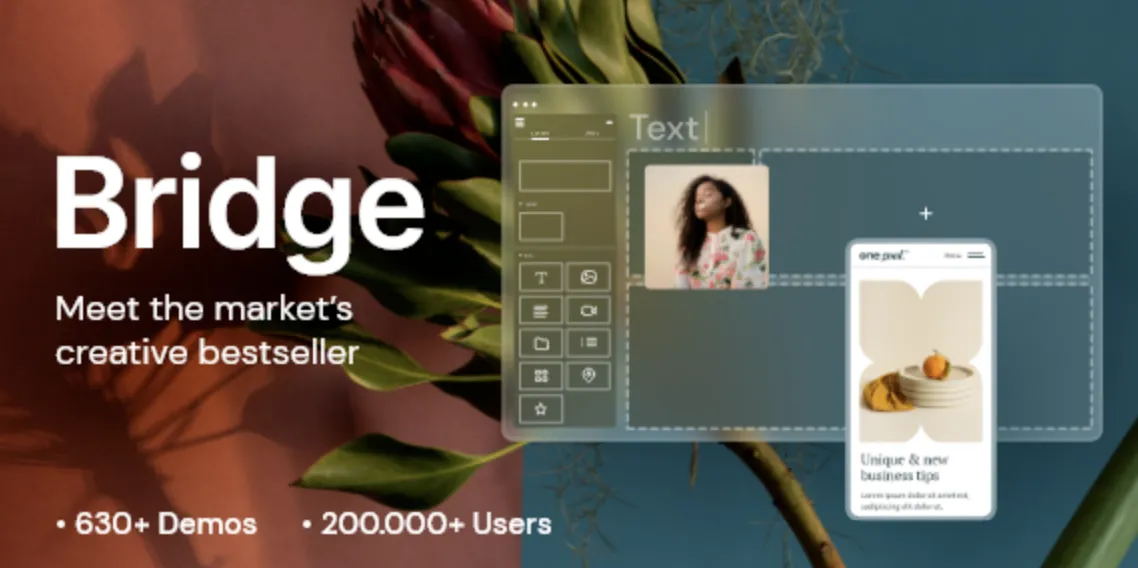
🚀 Bridge Theme Made Simple: Fast Installation for WordPress Power Users
The Bridge theme is a multipurpose WordPress theme with more than 600 demos, perfect for creatives, businesses, and professionals alike. If you’ve already secured your premium version via GPLPal, this guide walks you through a smooth, 5-step installation process to get you up and running—fast.
1️⃣ Step One: Download the Bridge Theme Package
To begin, download the official .zip package from:
👉 Bridge Theme – GPLPal Download Page
Save the file to a safe location on your computer. Always ensure you’re using the latest version to maximize performance and security.
2️⃣ Step Two: Upload and Activate Bridge Theme
Now, log into your WordPress admin panel and follow these steps:
-
Navigate to Appearance > Themes > Add New
-
Click Upload Theme
-
Select the downloaded
.zipfile -
Click Install Now and then Activate
Congratulations! The Bridge theme is now active on your WordPress site.
3️⃣ Step Three: Install Required Plugins
Bridge theme requires several essential plugins, including:
-
WPBakery Page Builder (or Elementor for selected demos)
-
Bridge Core (activates demos and theme features)
-
Slider Revolution (for animated sliders)
Once prompted, click Begin Installing Plugins, then activate them after installation.
4️⃣ Step Four: Import a Demo Website
This is where Bridge theme really shines:
-
Go to Qode Options > Import
-
Choose a demo layout that fits your niche (portfolio, corporate, eCommerce, etc.)
-
Click Import Demo Content
This step automatically populates your site with ready-made layouts and design elements — a huge time-saver!
5️⃣ Step Five: Customize Your Site
Now that your demo is live, personalize your website:
-
Edit pages using WPBakery or Elementor
-
Tweak fonts, colors, and header layouts in Qode Options
-
Set up menus, widgets, and homepage under Appearance > Customize
You’re done! You now have a professional website using the Bridge theme with minimal hassle.
🧠 Final Thoughts
With its versatility and ease of use, Bridge theme remains a top choice for designers and developers alike. These 5 powerful steps are all you need to launch a fully functioning, beautiful WordPress site. Whether you’re building for a client or yourself, Bridge won’t disappoint.
📘 Helpful Resource
New to advanced themes or looking to deepen your skills? Be sure to explore the official WordPress Theme Developer Handbook for in-depth insights on how themes function behind the scenes.