My Account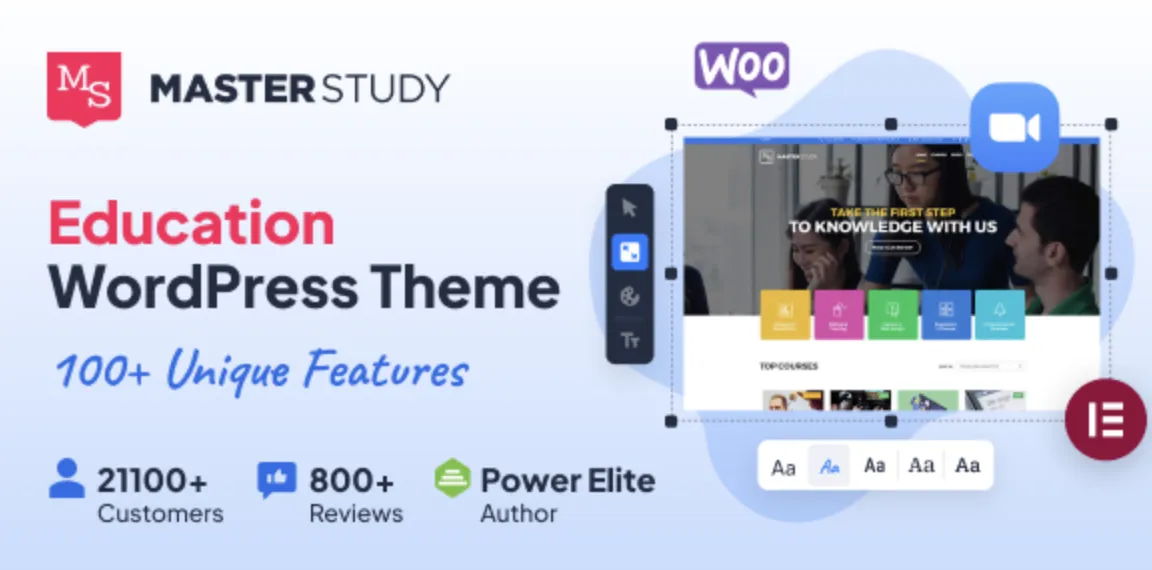
🚀 Get Started with Masterstudy Theme: Quick Setup for Learning Management Pros
The Masterstudy theme is one of the most powerful and well-structured LMS (Learning Management System) WordPress themes available today. If you’re an experienced WordPress user looking to skip the fluff and get straight to installation, you’re in the right place.
This guide will walk you through five fast and efficient steps to install and activate the theme you’ve downloaded from GPLPal, helping you launch your educational platform in no time.
1️⃣ Step One: Download Masterstudy Theme from GPLPal
Visit the official download page:
👉 Download Masterstudy Theme
Save the .zip file securely on your computer. The version on GPLPal is GPL-licensed, perfect for developers and agencies who want full access at a fraction of the cost.
2️⃣ Step Two: Upload and Activate the Theme
-
Go to your WordPress Dashboard > Appearance > Themes > Add New
-
Click Upload Theme, select your downloaded
.zipfile -
Hit Install Now, then Activate
That’s it! Your Masterstudy theme is now live on your WordPress site.
3️⃣ Step Three: Install Required Plugins
To get full functionality, the theme recommends a few essential plugins like:
-
STM LMS (core learning features)
-
Elementor (drag-and-drop page builder)
-
MailChimp, Contact Form 7, Revolution Slider, and others
You’ll see a prompt right after activation. Click Begin installing plugins, then Activate them once installed.
4️⃣ Step Four: Import a Demo Site
Save time and build confidence with a pre-built demo. To import:
-
Go to STM LMS > Demo Import
-
Choose a layout (e.g., university, instructor, course marketplace)
-
Click Import, and wait a few minutes
This will add all the pages, courses, and layouts shown in the demo.
5️⃣ Step Five: Customize Your Platform
Now it’s time to make the site your own:
-
Use Elementor to edit course pages, homepages, and layouts
-
Set up payment options, course access, and user roles in STM LMS Settings
-
Fine-tune fonts, logos, and header styles under Appearance > Customize
With just a few adjustments, your educational platform is now professional, functional, and visually appealing.
🎯 Final Thoughts
The Masterstudy theme empowers educators, institutions, and online course creators with a complete WordPress-based LMS solution. These 5 surprisingly easy steps are all you need to launch your site efficiently—even if you’ve never used this theme before.
If you’ve purchased a licensed copy from GPLPal, you’re ready to take full advantage of Masterstudy’s advanced features.
📚 Recommended Reading
Want to better understand how WordPress themes work under the hood? Check out the WordPress Theme Handbook for expert insights and best practices.