My Account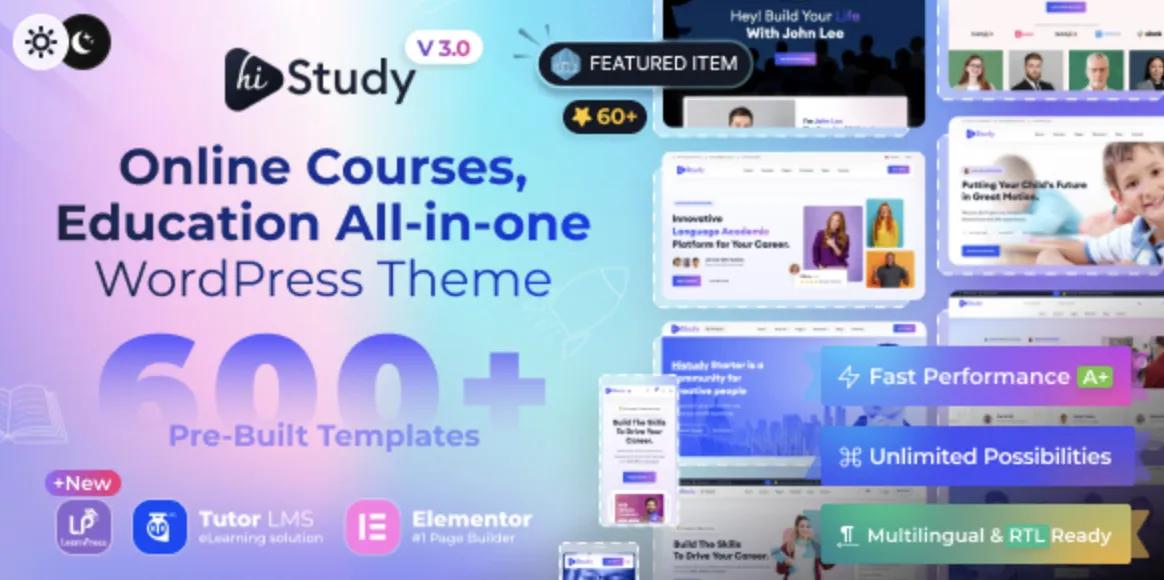
🚀 Why Choose the HiStudy Theme for Your LMS Website?
The HiStudy theme is a powerful and modern LMS WordPress theme built specifically for online education platforms, training centers, and course creators. Whether you’re launching a Udemy-style site or a university-level learning portal, HiStudy delivers high performance with stunning visuals.
Already got the premium version from GPLPal? Great choice. Now, let’s walk through how to install it smoothly in just 5 steps.
🧩 Step 1: Download HiStudy Theme from GPLPal
To get started, download the official HiStudy theme .zip file from GPLPal. Make sure not to unzip the file—WordPress requires the archive format for direct upload.
Once downloaded, keep the file safe. You’ll use it in the next step.
⚙️ Step 2: Install and Activate the Theme via WordPress Dashboard
Here’s how to upload the theme:
-
Log in to your WordPress admin area
-
Go to Appearance > Themes > Add New
-
Click Upload Theme, choose the
.zipfile you just downloaded -
Click Install Now, and after it finishes, hit Activate
🎉 Your site is now running on HiStudy—ready for customization and demo import.
🛠️ Step 3: Install All Required Plugins
The HiStudy theme depends on several key plugins to function fully:
-
LearnPress – Full LMS functionality
-
Elementor – Drag-and-drop page builder
-
Redux Framework – Theme options
-
HiStudy Core – Theme-specific tools
-
Contact Form 7, MailChimp for WP, and others
You’ll be prompted to install these after activation. Click “Begin installing plugins,” then activate all recommended ones.
🧪 Step 4: Import Demo Content in One Click
To make your site look like the demo:
-
Go to Appearance > Import Demo Data
-
Select a demo layout (e.g., Academy, Single Instructor, University)
-
Click Import
-
Wait 2–5 minutes while all content and images are set up
💡 With one-click demo import, your LMS platform is 90% ready within minutes.
🖌️ Step 5: Customize and Launch Your Online Course Platform
Now it’s time to personalize your site:
-
Use Elementor to edit homepages, course listings, and instructor pages
-
Go to Theme Options for logo upload, color palette, typography, and more
-
Manage course content via LearnPress > Courses
-
Add instructors, lessons, and quizzes as needed
The HiStudy theme gives you powerful LMS controls while keeping the UI user-friendly and responsive.
🎯 Why HiStudy Theme Is Perfect for eLearning Creators
-
Modern design and smooth animations
-
Full compatibility with LearnPress LMS
-
One-click demo import
-
Fast loading and SEO optimized
-
Mobile responsive and multilingual support
-
Premium look, no coding required
For tutors, schools, universities, or coaching centers, this theme offers a complete education website in record time.
📘 Want to Learn More? Check the Official WordPress Theme Handbook
If you’re new to WordPress or want to deepen your knowledge, visit the official WordPress Theme Handbook for in-depth theme development and customization tips.
📥 Ready to launch your LMS site? Download the HiStudy theme now and follow these 5 brilliant steps to go live today.