Noizzy – Music Theme
🎶 Noizzy – Music Theme Installation & Setup Guide
Step 1: Download the Theme
-
Go to the product page and click Download.
-
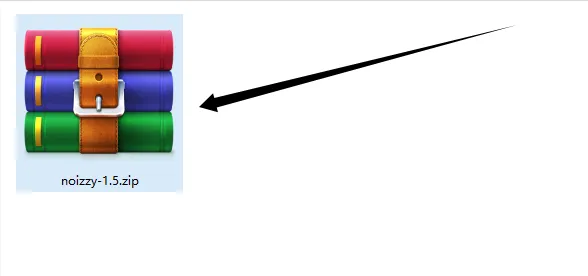
After downloading, you will get a zip file, for example:
noizzy-1.5.zip (see Image 1).
Step 2: Install the Theme
-
Log in to your WordPress Dashboard.
-
Navigate to Appearance → Themes → Add New.
-
Click Upload Theme and upload the downloaded noizzy-1.5.zip file.
-
Once uploaded, click Install, and then click Activate.
Step 3: Welcome Screen & Required Plugins
-
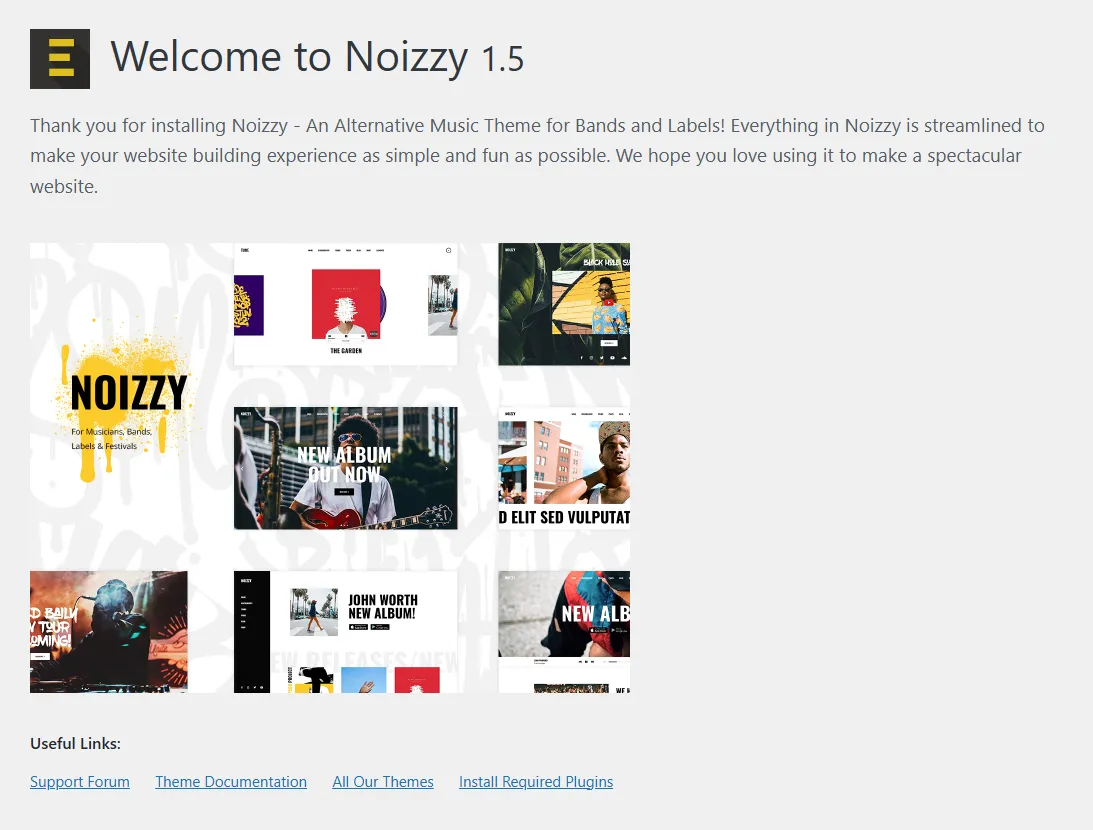
After activation, you’ll be redirected to the Noizzy Welcome Page (see Image 2).
Here, you’ll find theme details and demo previews. -
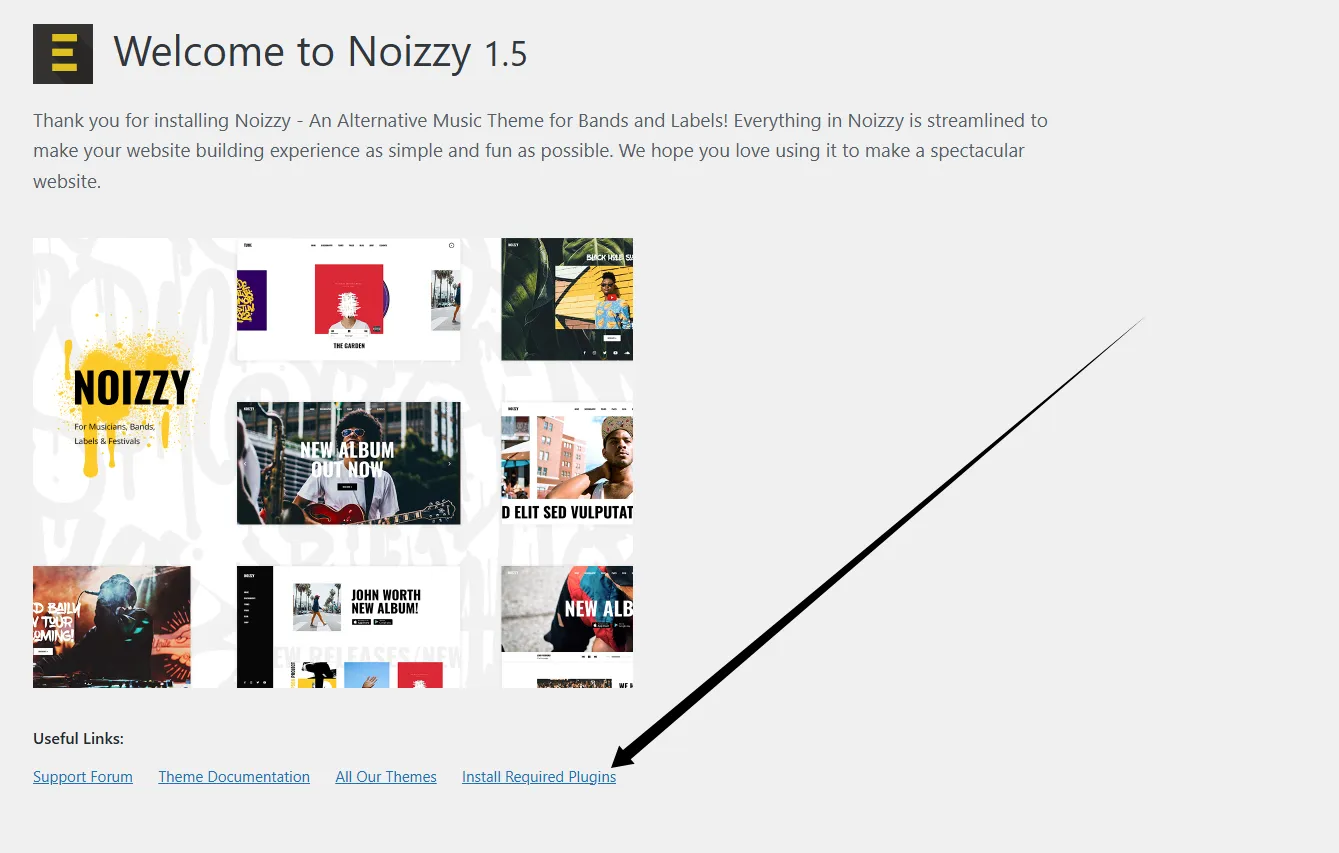
Click Install Required Plugins at the bottom right to proceed.
Step 4: Bulk Install Required Plugins
-
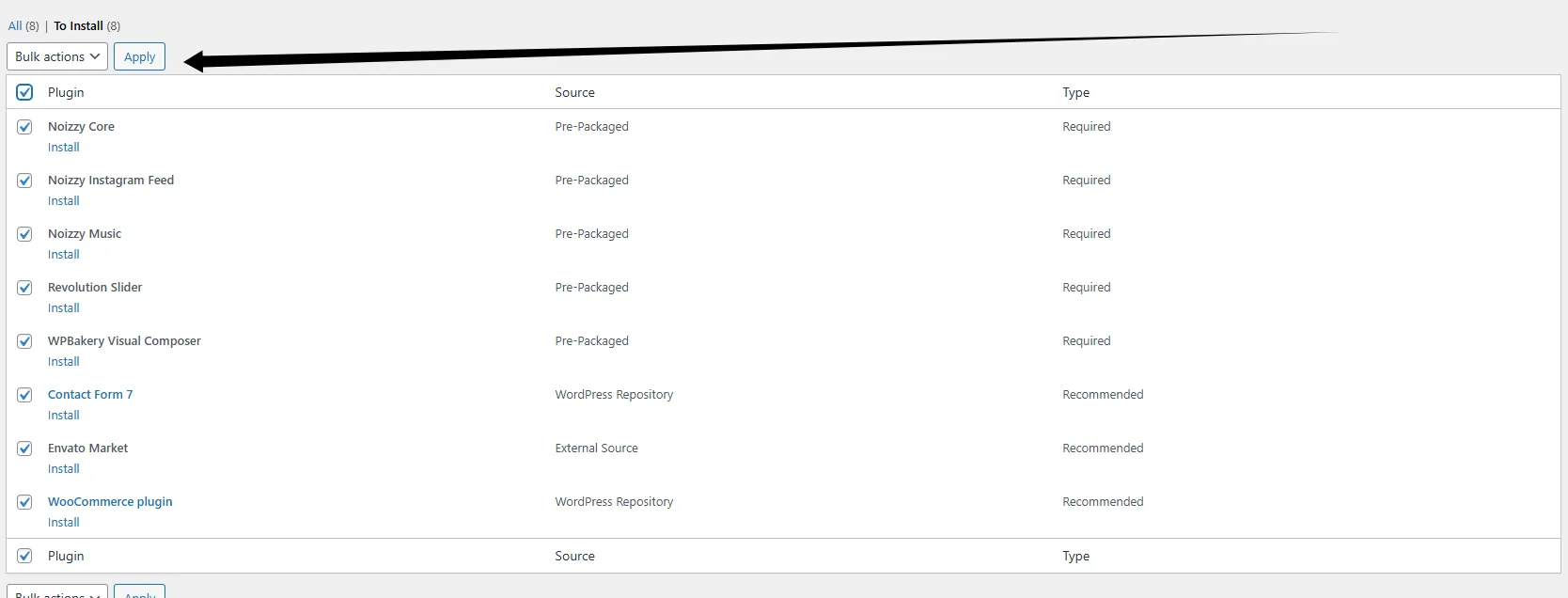
On the plugin installation screen, you’ll see a list of required and recommended plugins (see Image 3), including:
-
Noizzy Core
-
Noizzy Instagram Feed
-
Noizzy Music
-
Revolution Slider
-
WPBakery Visual Composer
-
Contact Form 7
-
Envato Market
-
WooCommerce
-
-
Select all plugins, choose Install from the Bulk Actions dropdown, and click Apply.
-
WordPress will automatically install the plugins.
Step 5: Verify Theme Activation
-
Go back to Appearance → Themes.
-
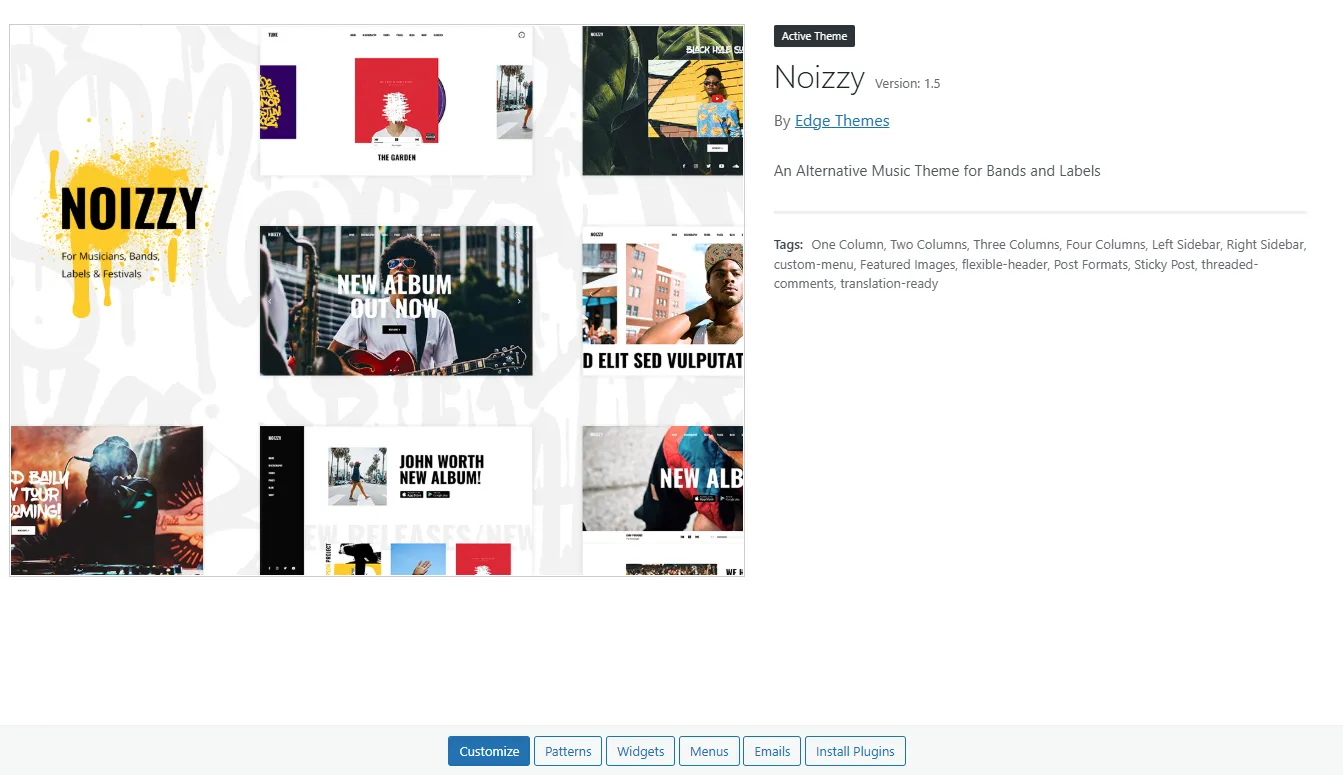
Ensure that Noizzy is set as your Active Theme (see Image 4).
-
You can now start customizing your website.
Step 6: Import Demo Content (Optional)
-
In the theme dashboard, find the Import Demo option.
-
Select your preferred demo layout (e.g., New Album Out Now).
-
Click Import and wait 1–2 minutes while demo content is installed.
-
Once done, your site will look exactly like the demo.
✅ Congratulations! Noizzy – Music Theme is now installed and ready.
You can start building your site using the WordPress Customizer, WPBakery Page Builder, and Revolution Slider to create a professional music website.