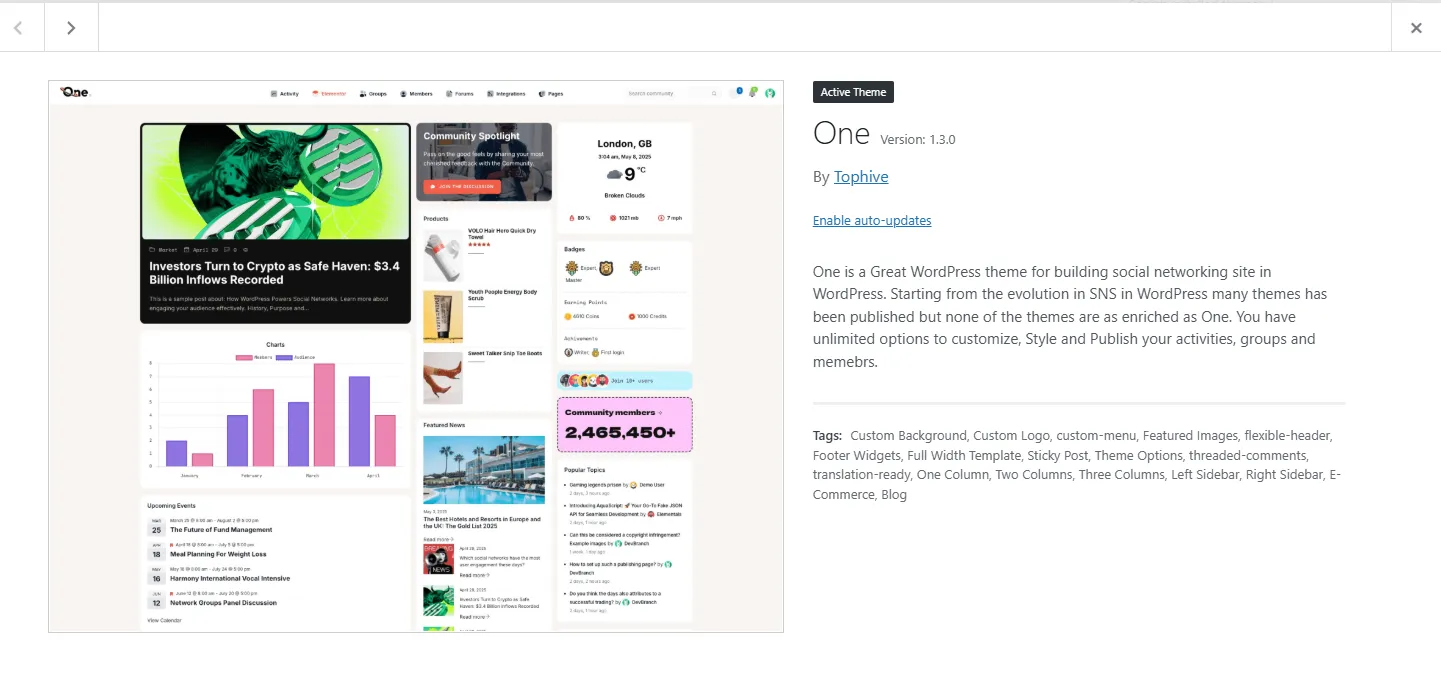
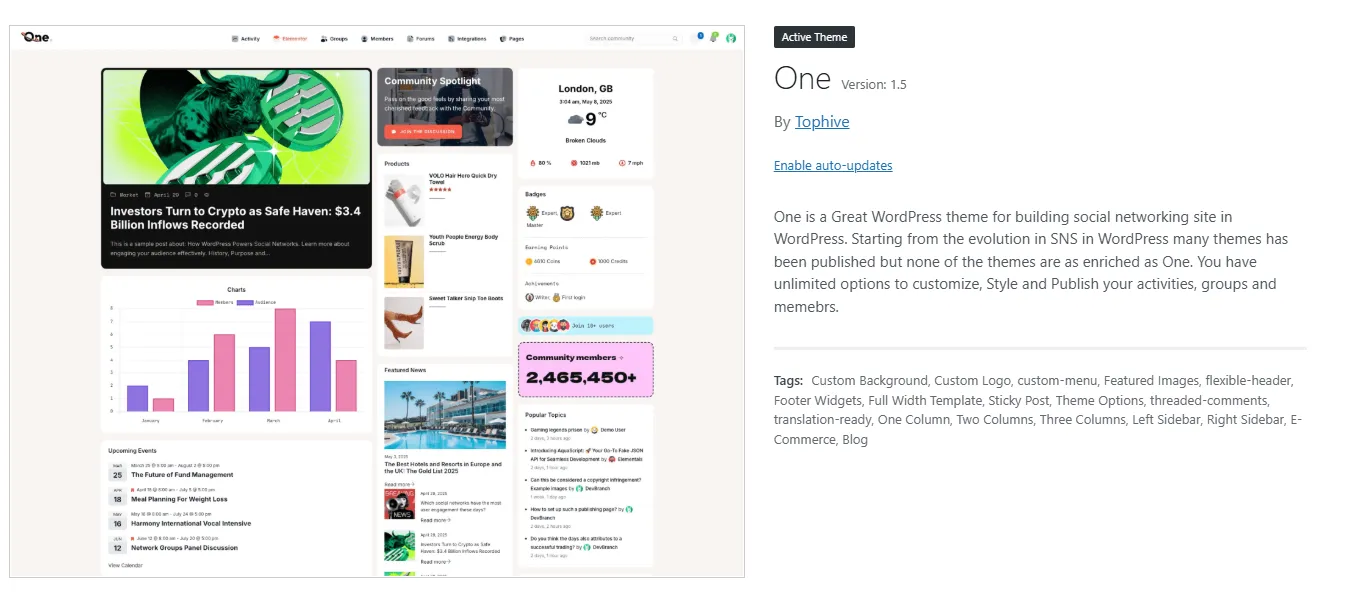
One – BuddyPress Theme for Membership & Community Sites Installation & Usage Guide
free download: One – BuddyPress Theme
Step 1: Preparation
-
Download the following files:
-
Theme file:
one_inner_RECOVERED.zip -
Core plugin file:
recovered_exact_one-core.zip
-
-
Make sure your WordPress installation is running correctly and your PHP/MySQL version meets the requirements.
-
Log in to your WordPress admin dashboard.
Step 2: Install the Theme
-
Go to Appearance → Themes → Add New → Upload Theme.
-
Upload the file and click Install Now.
one_inner_RECOVERED.zip -
Once installed, click Activate.
Now your site is using the One Theme.
Step 3: Install the Core Plugin
-
Navigate to Plugins → Add New → Upload Plugin.
-
Upload the file and click Install Now.
recovered_exact_one-core.zip -
After installation, click Activate Plugin.
The One Core plugin is essential for demo import, templates, and theme features.
Step 4: Import Demo Content
-
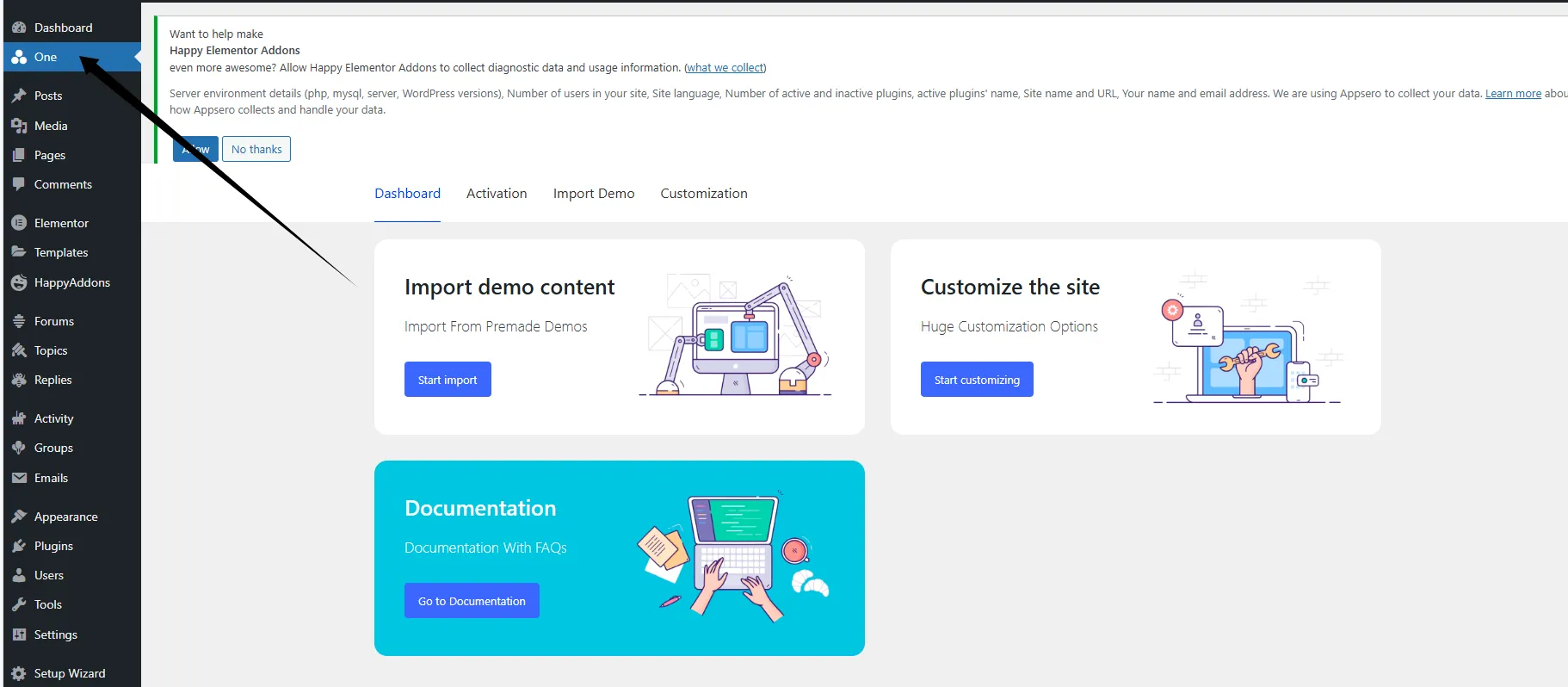
After activation, you will see the One menu on the left sidebar. Click it to open the Dashboard.
-
In the Dashboard, click Start Import.
-
On the Import Demo tab, select One Core Demo and click Import.
-
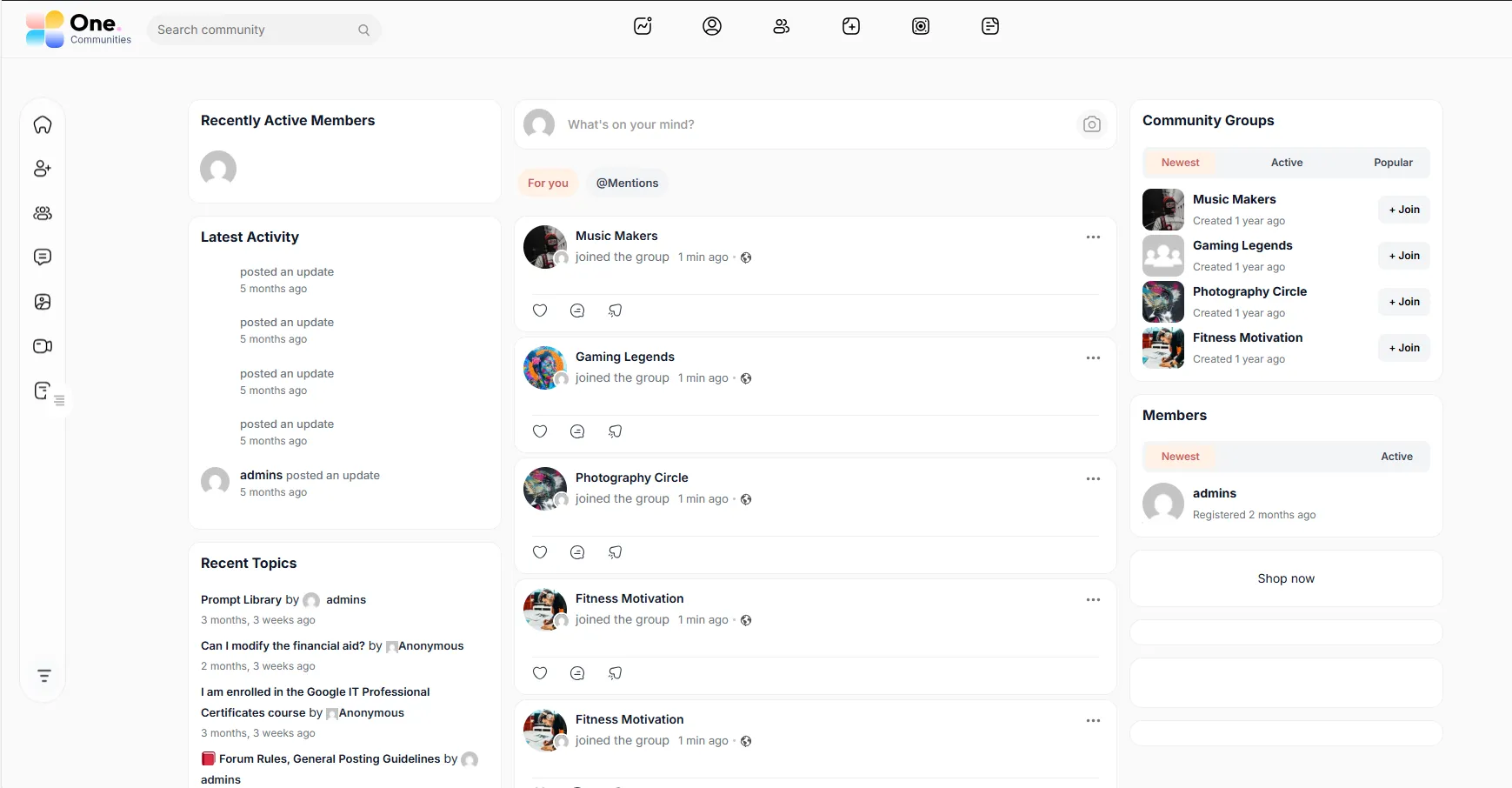
Wait about 1 minute for the system to import pages, posts, menus, widgets, and demo data. Once completed, you will see the demo layout on your site.
Step 5: Customize and Build Your Community
-
Go to Appearance → Customize to change site colors, fonts, and layouts.
-
Inside One → Customization, you can configure theme options and template settings.
-
Combined with BuddyPress, the theme allows you to create:
-
Member registration & login
-
Community groups and forums
-
Activity streams and notifications
-
WooCommerce integration for paid memberships or shops
-