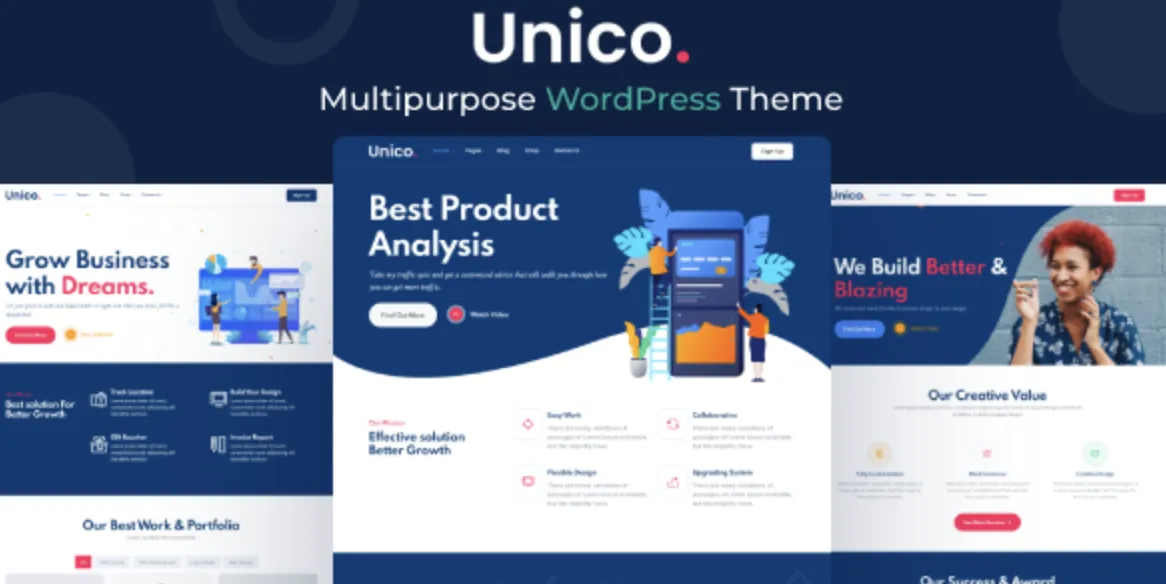
Why the Unico Theme Is a Brilliant Choice for Your Website
The Unico template is a premium WordPress design crafted for users who demand style, speed, and flexibility. If you’ve purchased the advanced version, you know this theme provides a sophisticated design paired with powerful customization options. Proper installation unlocks its full potential, delivering an engaging, professional online presence in no time.
Step 1: Download the Unico Theme from GPLPal
Before you start, download the latest version of this theme from a trusted source:
👉 Unico theme on GPLPal
Downloading from GPLPal guarantees a clean, secure file ready for installation.
Step 2: Upload the Theme to WordPress
Go to your WordPress dashboard and navigate to Appearance → Themes → Add New → Upload Theme. Select the zipped theme file, then click Install Now. Wait a moment as WordPress unpacks and installs it.
Step 3: Activate the Theme
Once installation is complete, click Activate to switch your website to this new design instantly.
Step 4: Import Demo Content for a Quick Start
To save time, import the demo content available in the theme options via Appearance → Demo Import. Choose the demo layout that best fits your website’s purpose to get your site running with professional content quickly.
Step 5: Install and Activate Recommended Plugins
This theme requires several plugins for full functionality — page builders, sliders, and booking systems. After activation, install and enable all suggested plugins to avoid missing features.
Step 6: Customize Your Site’s Branding and Menus
Head to Appearance → Customize to set your logo, site title, and tagline. Then configure your menus via Appearance → Menus, assigning them to header or footer areas for seamless navigation.
✅ Post-Installation: 5 Must-Do Settings
-
Optimize Header Layout — Arrange menus, logo, and call-to-actions to capture visitor attention.
-
Enable SEO Features — Configure SEO plugins like Rank Math to maximize search visibility.
-
Activate Social Sharing Buttons — Boost engagement and content reach effortlessly.
-
Speed Up Your Site — Use caching plugins and image compression to reduce load times.
-
Test Contact and Booking Forms — Ensure communication channels are flawless to avoid lost leads.
🛠 How to Troubleshoot 3 Common Installation Problems
1. Demo Import Not Working
Solution: Increase PHP memory limit and deactivate conflicting plugins temporarily.
2. Missing Style or Layout Issues
Solution: Clear browser cache, regenerate CSS, and confirm all plugins are installed.
3. Navigation Menus Not Showing
Solution: Check menu assignment in WordPress, and ensure widgets are correctly placed.
💡 Why This Theme Elevates Your Website’s Professionalism
Choosing this design means you get:
-
Clean, modern look that captivates visitors instantly.
-
Fully responsive layout that looks great on any device.
-
Compatibility with popular page builders like Elementor for easy customization.
-
Regular updates and support to keep your site secure and cutting-edge.
🚀 Optimization Tips to Skyrocket Performance
-
Implement lazy loading on images and videos for faster page loads.
-
Compress images with plugins like ShortPixel or Smush.
-
Minify CSS and JavaScript using optimization tools.
-
Use a CDN like Cloudflare to serve content swiftly worldwide.
-
Keep theme and plugins updated to maintain peak security and performance.
Further Reading
For detailed WordPress theme guidance, check the Unico theme official WordPress Theme Handbook.