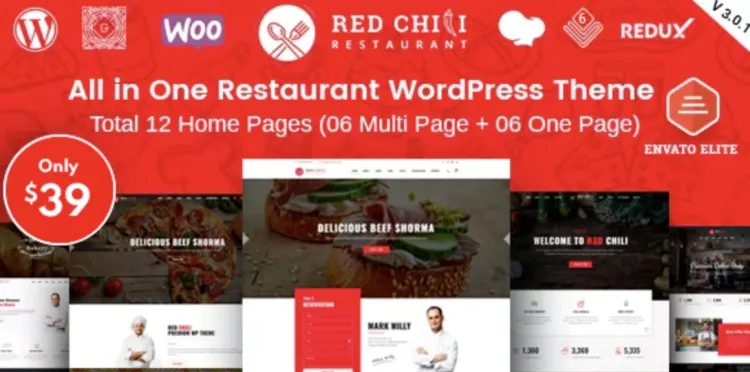
Looking to set up the premium RedChili theme quickly and efficiently? Whether you’re a chef, a restaurant owner, or a seasoned WordPress user building a mouth-watering website, this guide walks you through everything you need—from installation to pro-level optimization.
🌟 How to Install RedChili Theme in 5 Simple Steps
- Download the Theme
First, visit GPLPal’s RedChili theme page and download the premium version. Make sure it’s the.zipfile. - Upload to WordPress
Go toAppearance > Themes > Add New > Upload Theme. Choose your downloaded file and click “Install Now.” - Activate the Theme
Once the upload completes, click “Activate.” You’ll see the RedChili style instantly applied. - Install Required Plugins
RedChili prompts you to install necessary plugins like WPBakery Page Builder or Contact Form 7. Do so with one click. - Import Demo Content
Use the built-in demo importer to replicate the demo site. It’s a real time-saver, especially for first-time users.
📈 RedChili Theme Setup: 5 Must-Do Settings After Installation
To make your site fully functional and stunning:
- Set Homepage Display: Go to
Settings > Readingand assign a static front page. - Adjust Logo & Colors: Navigate to
Appearance > Customizeto add your branding. - Check Mobile Responsiveness: Use the built-in responsive preview in the customizer.
- Configure Menus: Create navigation menus under
Appearance > Menus. - Set Up Contact Forms: Customize the default forms or add new ones with WPBakery.
🔧 How to Troubleshoot 3 Common RedChili Theme Issues
Issue 1: Demo Content Not Importing
Fix: Increase max_execution_time and upload_max_filesize in your PHP settings.
Issue 2: Broken Layouts
Fix: Ensure all bundled plugins are installed and updated.
Issue 3: Slow Load Times
Fix: Use caching plugins like W3 Total Cache and optimize images using TinyPNG.
🌟 Why RedChili Theme Is a Smart Choice for Your Restaurant Website
- Specifically designed for restaurants and food services
- Mobile-friendly and SEO-optimized
- Supports OpenTable and other reservation plugins
- Stunning food menu templates included
✨ RedChili Theme Optimization Tips: Boost Performance & UX
- Use Lazy Load Images: Reduce initial page load.
- Minify CSS/JS: Use plugins like Autoptimize.
- Enable GZIP Compression: Can be done via .htaccess.
- Use CDN: For global reach and faster asset delivery.
- Limit Plugins: Only keep the essential ones activated.
Want to dive deeper into WordPress theme usage best practices? Check out the official WordPress Theme Handbook.
Now you’re fully set up to spice up your site with the flavorful RedChili theme!