
Why Choose the Elementra Theme for Your WordPress Project?
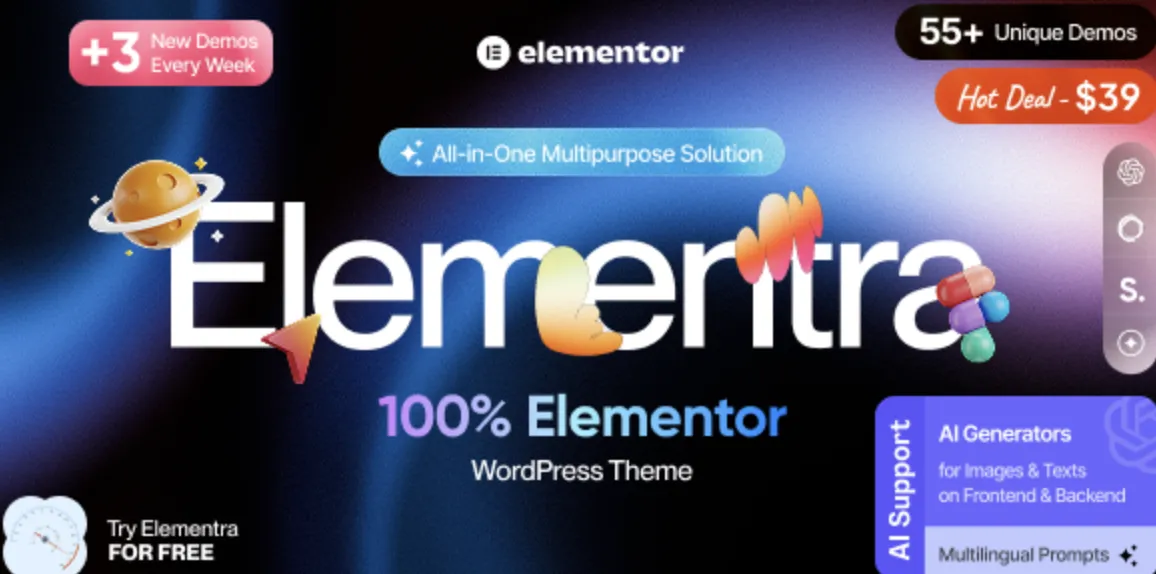
When it comes to building a fast, modern, and flexible WordPress website, Elementra theme stands out with its responsive design and seamless Elementor integration. Whether you’re managing a blog, a corporate page, or an eCommerce site, this theme provides a smooth user experience with powerful customization features.
Elementra Theme Installation Guide (In 3 Fast Steps)
If you’ve already downloaded the premium version of Elementra theme from GPLPal, you’re halfway there! Follow these 3 easy steps to get everything running quickly and smoothly.
Step 1: Download and Upload
After purchasing the theme, you’ll receive a zipped package. Head over to your WordPress dashboard, navigate to Appearance → Themes → Add New, and click on “Upload Theme.” Choose the Elementra theme ZIP file and hit Install Now.
✅ Pro Tip: If the upload fails due to file size, use FTP like FileZilla to upload directly into /wp-content/themes.
Step 2: Activate and Import Demo Content
Once installed, click Activate. You’ll now have access to the basic layout. Navigate to Elementra Options → Demo Import to install one of the pre-designed templates. This saves hours of work and gives you a head start.
📌 Need more demos? GPLPal provides all pro demo files with your download.
Step 3: Customize with Elementor
This is where the Elementra theme truly shines. Open any page using Elementor, and enjoy real-time drag-and-drop design. Customize headers, footers, blog layouts, and even WooCommerce pages with zero coding required.
4 Reasons Why Users Love the Elementra Theme
-
🌟 Lightning Fast Load Time
-
💡 Full Compatibility with Elementor Page Builder
-
🛠️ Dozens of Layouts Ready to Import
-
💼 Perfect for Business, Blog, or Portfolio Use
Whether you’re building a landing page or full website, this theme is packed with everything you need.
Ready to Get Started?
👉 Click here to download the Elementra theme from GPLPal — it includes full demo content, lifetime updates, and zero bloat.
Helpful Tip for New Users
Although the Elementra theme is easy to use, beginners may benefit from reading the official WordPress Theme Handbook to learn more about how themes work under the hood.