
 My Account
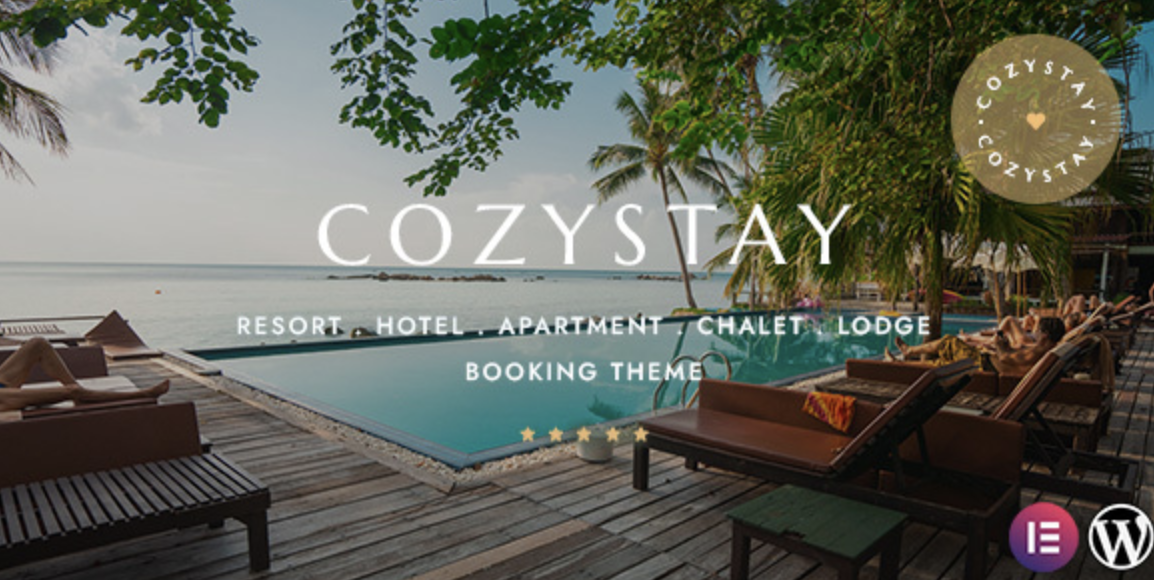
What Makes CozyStay Theme a Smart Choice?
If you’re running a hotel, B&B, or vacation rental site, the CozyStay theme is probably one of the smartest theme choices you’ve made. With its sleek booking interface, mobile-first design, and Airbnb-style layouts, CozyStay is built for real bookings—not just pretty pictures.
But how do you install it correctly without breaking your setup? Whether you’ve just downloaded the premium version or got it via GPLPal, this guide shows you 5 simple steps to get CozyStay up and running fast.
Step 1 – Download the CozyStay Theme Package
Head over to the CozyStay GPL download page and grab the zipped theme file. Don’t extract it—WordPress needs the raw .zip package for upload.
👉 Pro tip: Store a backup of the theme file somewhere safe. You’ll thank yourself later if you need a fresh reinstall.
Step 2 – Upload & Activate the CozyStay Theme in WordPress
Now jump into your WP dashboard:
-
Go to Appearance > Themes > Add New
-
Click Upload Theme
-
Choose the
.zipfile you just downloaded -
Click Install Now, then Activate
Boom—you’ve just switched to the CozyStay theme. Let’s make it functional.
Step 3 – Install Required Plugins Automatically
Once activated, CozyStay will notify you to install key plugins like:
-
Elementor (page builder)
-
Contact Form 7
-
WooCommerce
-
CozyStay Core
Click “Begin Installing Plugins” and activate everything in the list. These plugins are essential for the theme to work as shown in the demos.
Step 4 – Import a Demo Layout (Optional but Recommended)
Want your site to look exactly like the preview?
-
Navigate to Appearance > Import Demo
-
Choose a demo (Hotel, Resort, Villa, etc.)
-
Hit “Import Demo Data”
✅ This step imports sample pages, headers, footers, widgets, and even dummy bookings. It saves hours of setup work.
Step 5 – Customize with Elementor & Site Settings
With CozyStay’s Elementor integration, you can:
-
Edit homepage sections
-
Modify booking forms visually
-
Reorder or hide amenities
-
Customize typography, logos, and buttons
Also, don’t forget to check Theme Options > Booking Settings to set your price formats, booking slots, and cancellation policies.
Final Thoughts: CozyStay Theme Delivers Big Results with Little Hassle
Installing the CozyStay theme isn’t rocket science—it’s designed to be easy for experienced WordPress users and smooth for even newer admins.
You’ve now got a pro-level booking site just a few clicks away from full customization. All that’s left? Start adding your listings, syncing with your calendar, and launching your rental empire.
📚 Need Extra Help?
For advanced theme management or troubleshooting, consult the official WordPress Theme Usage Guide. It covers everything from child themes to updates.

