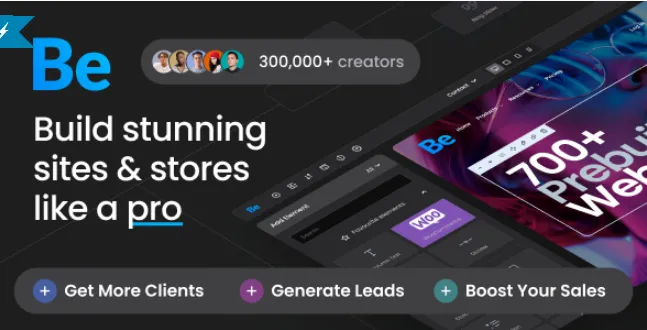
If you’ve purchased the premium version of Betheme, you’re probably eager to install it quickly and start building your website without hassle. This installation guide will walk you through five simple steps to get your theme up and running smoothly—saving you valuable time and effort!
Why Choose Betheme?
Betheme is one of the most popular WordPress themes available today, praised for its versatility, wide range of templates, and powerful customization options. With the premium version, you gain access to all features, regular updates, and dedicated support, making it ideal for professional websites of any type.
Installation Guide: 5 Simple Steps to Install Betheme
1. Download the Theme Package
Log into your account and download the latest Betheme package from this page. Make sure the ZIP file is complete and ready for upload.
2. Upload to WordPress
In your WordPress dashboard, go to Appearance > Themes > Add New > Upload Theme. Select the ZIP file and upload it.
3. Activate the Theme
After uploading, click Activate to enable the theme on your website. Your site will immediately switch to the default layout.
4. Install Required Plugins
Follow the prompts to install and activate any recommended plugins, which will unlock additional features and functionality.
5. Import a Demo (Optional but Recommended)
To jumpstart your design process, choose from over 600 pre-built demos and import one with just a few clicks. This helps you set up a professional look instantly.
Following these five easy steps, you’ll have your premium theme installed and ready for customization in no time!
Tips for a Smooth Betheme Experience
-
Keep your WordPress version updated for best compatibility.
-
Always back up your website before installing new themes or plugins.
-
Use the Betheme options panel to customize layouts, fonts, and colors effortlessly.
Final Thoughts
This premium theme offers powerful features combined with a straightforward installation process—perfect for users with some WordPress experience who want fast, reliable results.
For detailed official instructions, check out the WordPress theme usage guide.