ProTalks Theme Installation Guide for Real-World Humans
Let’s be honest: you’ve downloaded the ProTalks theme, paid for the premium version (good choice!), and now you’re staring at your WordPress dashboard like, “Now what?”
Don’t worry. Installing ProTalks isn’t a tech horror story—it just needs the right steps, and you’ll have your site talking like a pro in no time.
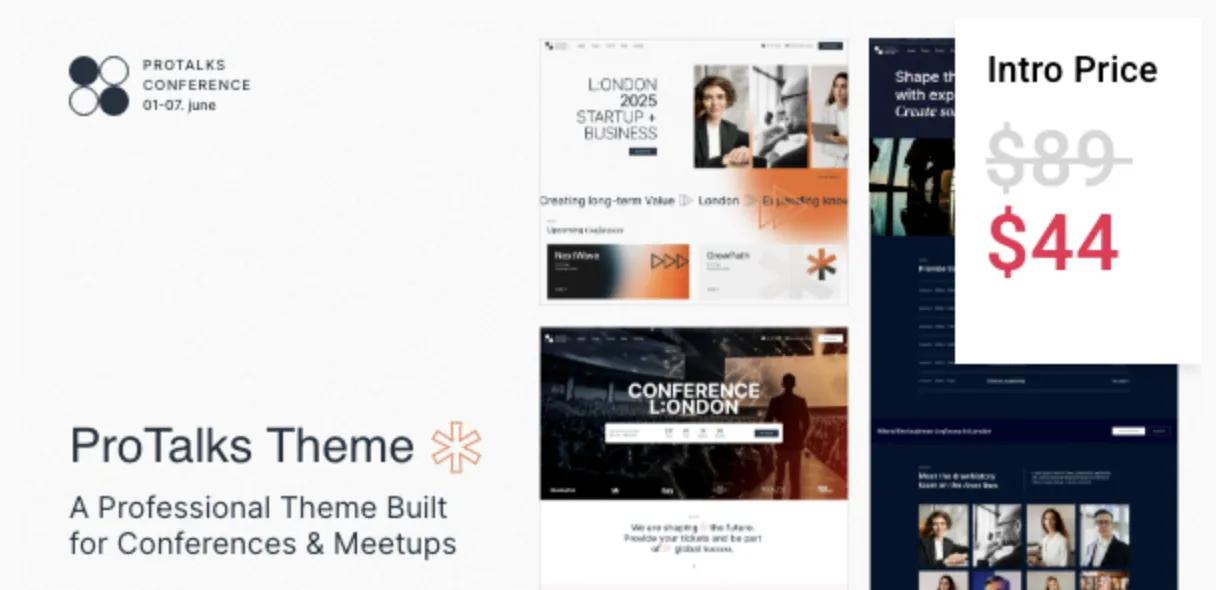
Whether you’re building a podcast hub, a speaker’s portfolio, or a virtual conference site, this guide walks you through 5 clear steps to get your ProTalks theme up and running.
Step 1 – Download the ProTalks Theme Package
First things first: head over to GPLPal’s ProTalks download page and download the zipped theme file. Keep the file zipped—you’ll upload it as is.
Step 2 – Upload the Theme in WordPress
-
Go to your WordPress Dashboard.
-
Navigate to Appearance > Themes > Add New.
-
Click Upload Theme, select your downloaded ProTalks
.zipfile, and hit Install Now. -
Once installed, click Activate.
Boom! You’ve just completed the core installation. But don’t leave yet—ProTalks has some bonus features that deserve a proper setup.
Step 3 – Install Required Plugins (This Isn’t Optional)
Once activated, the ProTalks theme will likely prompt you to install some companion plugins like:
-
WPBakery Page Builder
-
Contact Form 7
-
Slider Revolution
Click Begin Installing Plugins and follow the prompts. These plugins bring the layout and functionality to life, so don’t skip them!
Step 4 – Import the Demo Content (Optional, but Smart)
Want your site to look like the demo (without hours of manual design)? Use the built-in Demo Importer:
-
Go to Appearance > Import Demo Data.
-
Choose a demo layout that matches your project.
-
Click Import.
This step may take a few minutes. Once done, you’ll have a fully built layout ready to customize.
Step 5 – Customize It Like a Boss
Now the fun begins. Head over to Appearance > Customize or use the WPBakery builder to tweak:
-
Colors and fonts
-
Header/footer
-
Speaker bios or event schedules
-
Newsletter forms
With just a few tweaks, your ProTalks theme will be totally aligned with your brand and goals.
Final Thoughts: Don’t Overthink It
Installing the ProTalks theme isn’t rocket science, and hopefully by now you’ve realized that. From download to demo import, the whole process shouldn’t take more than 15–30 minutes.
And if you hit a snag? Refer to the official WordPress theme installation guide for troubleshooting and tips.
✅ Download ProTalks Theme Now from GPLPal:
👉 https://gplpal.com/product/protalks/