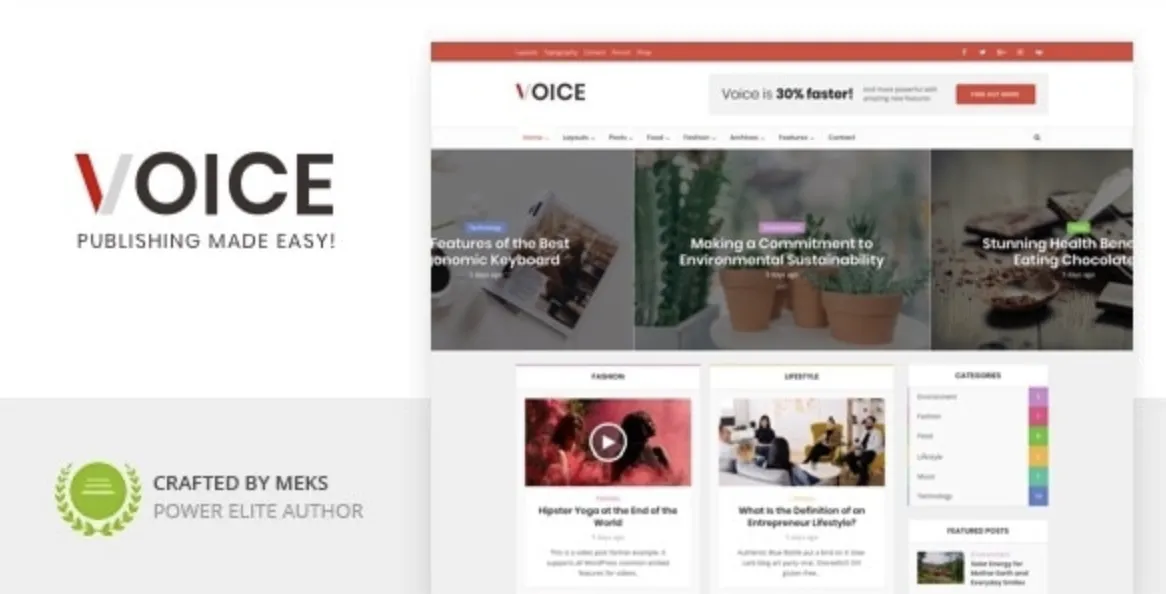
Installing a premium WordPress theme like Voice can elevate your content-driven site dramatically. Whether you’re building a magazine, news portal, or blog, Voice offers flexibility and speed. In this guide, we’ll explore a step-by-step technical walkthrough with real value—not fluff.
How to Install Voice Theme in 5 Powerful Steps
- Download & Extract: First, download the Voice theme ZIP file from GPLPal. Extract it locally.
- Log into WordPress: Go to your dashboard > Appearance > Themes > Add New > Upload Theme.
- Upload & Activate: Choose the
voice.zipfile > Click Upload > Activate it. - Install Recommended Plugins: Voice suggests several plugins. Install them for full functionality.
- Import Demo Content (optional): Go to Appearance > Import Demo and select a layout.
Sample Code Snippet: Functions File Safety Check
if ( ! function_exists( 'voice_theme_setup' ) ) {
  function voice_theme_setup() {
    add_theme_support( 'title-tag' );
    add_theme_support( 'post-thumbnails' );
  }
  add_action( 'after_setup_theme', 'voice_theme_setup' );
}
Use this check to avoid redeclaration errors in functions.php.
Voice Theme Installation Must-Do: 5 Crucial Settings
- Set Your Homepage: Go to Settings > Reading > Set Static Page.
- Configure Menus: Navigate to Appearance > Menus. Assign the primary and footer locations.
- Enable Typography & Colors: Customize > Typography or Colors to fit your brand.
- Optimize Layout: Hide unwanted sections using theme panel controls.
- Enable Responsive Ads: Great for monetization — use widgets and ad slots wisely.
How to Troubleshoot 3 Common Voice Theme Issues
Problem 1: Demo Import Fails
Fix: Check file_uploads and max_execution_time in your php.ini.
Problem 2: Theme Customizer Doesn’t Save
Fix: Disable conflicting plugins, especially cache or security-related ones.
Problem 3: Header Not Showing Properly
Fix: Check menu assignments and disable lazy loading on header assets.
Why Voice Theme is a Smart Choice for a Professional Look
- Built-in speed optimization
- Clean typography
- GDPR-ready design
- Flexible widgets and post modules
- Trusted by thousands of bloggers and publishers
If you want to look professional while saving time, this is it.
Voice Theme Optimization Tips: Make Your Site Fly
- Use a caching plugin like LiteSpeed Cache or WP Rocket
- Disable unused widgets and scripts in the backend
- Implement lazy loading via built-in settings
- Optimize images using tools like ShortPixel
These tweaks can reduce load time by up to 40%.
For more customization tips and best practices, check the official WordPress Theme Handbook.
Conclusion
Voice is not just about aesthetics — it’s a performance-optimized, user-focused powerhouse. With these 5 steps and smart settings, you’re well on your way to creating a stunning WordPress site.