
 My Account
Product Description
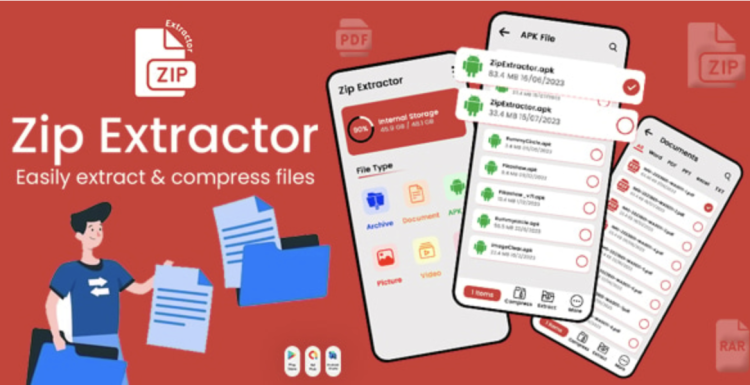
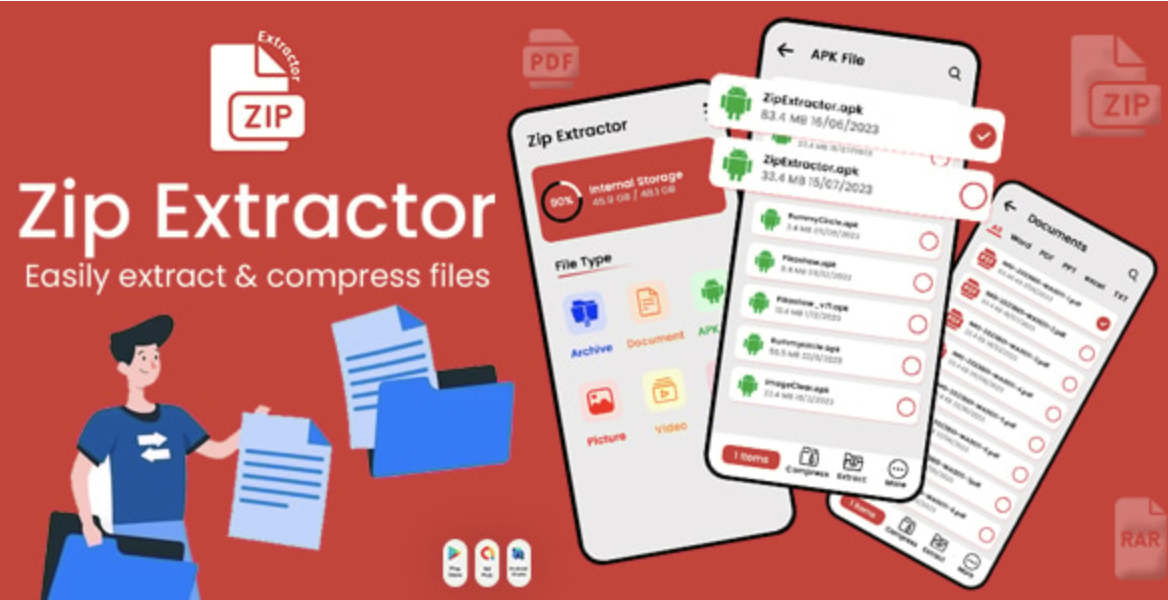
Zip Extractor is a powerful plugin to Zip Unzip Files – Files Manager – Rar Maker – Compressed Zip – Manipulate Files without ever leaving your WordPress dashboard. This comprehensive tool is designed for website administrators, developers, and content managers who require direct control over their server files. It eliminates the need for external FTP clients or cPanel access for routine file management tasks, streamlining your workflow and saving valuable time. It’s an excellent fit for any self-hosted WordPress site, especially those on shared hosting where direct shell access might be restricted.
The Zip Extractor – Zip Unzip Files – Files Manager – Rar Maker – Compressed Zip – Manipulate Files plugin provides a seamless and intuitive interface that integrates directly into your WordPress admin area. You can navigate your file structure, upload new archives, and manage existing ones with just a few clicks. It’s built to handle not only common ZIP archives but also RAR, TAR, and GZIP formats, making it a versatile solution for managing theme files, plugin backups, or large media uploads that are easier to handle when compressed.
Key Features
- Multi-Format Archive Support: Easily extract files from various compressed formats, including ZIP, RAR, TAR, and GZ.
- Archive Creation: Select files and folders to create new ZIP or RAR archives directly on your server.
- Comprehensive File Manager: Perform essential file operations such as copy, move, rename, delete, and edit.
- Built-in Code Editor: Modify text-based files like PHP, CSS, and JS with syntax highlighting for better readability and accuracy.
- Advanced Search Functionality: Quickly locate specific files or folders within your WordPress installation.
- Responsive User Interface: Manage your files effectively from any device, whether it’s a desktop, tablet, or smartphone.
- Secure and Integrated: Operates entirely within the WordPress environment, respecting user roles and permissions.
Use Cases
Imagine you need to update a theme or plugin manually. Instead of downloading files, unzipping them locally, and re-uploading via FTP, you can do it all within WordPress. This tool is perfect for tasks where you need to Zip Unzip Files – Files Manager – Rar Maker – Compressed Zip – Manipulate Files on the fly. It’s also ideal for developers staging a site, allowing them to quickly deploy code changes packaged in a zip file or inspect server files without switching applications. Or consider migrating content; you can package an entire uploads directory, move it, and extract it in the new location with minimal hassle.
Content creators can also benefit significantly. If you’re uploading a large gallery of images or a collection of downloadable resources for your users, you can upload a single compressed file and extract it directly into the correct directory. This simplifies the process of managing bulk media and ensures your file structure remains organized and efficient, saving you from the tedious task of uploading hundreds of files one by one.
Benefits
The primary benefit of the Zip Extractor – Zip Unzip Files – Files Manager – Rar Maker – Compressed Zip – Manipulate Files plugin is the massive boost in efficiency it provides. By centralizing file management within the WordPress environment, you reduce dependency on other tools and protocols. This consolidation saves time, minimizes context switching between different applications, and lowers the technical barrier for users. This makes advanced file management accessible to a wider range of users, empowering them to perform tasks that were previously reserved for seasoned developers.
This Zip Extractor also enhances security and control over your website’s file system. You can perform precise actions like editing a specific configuration file or deleting temporary files without granting broad server access. The integrated code editor with syntax highlighting is particularly useful, allowing for quick fixes to theme or plugin files directly from the backend. This prevents simple syntax errors and makes code much easier to read, reducing the risk of mistakes that could bring down your site.
Ultimately, this tool empowers you to take full command of your website’s backend file structure. It transforms complex, multi-step processes into simple, integrated actions. From creating backups and managing archives to making swift code edits, this plugin is an indispensable utility for any serious WordPress site owner or developer looking to optimize their management workflow. It is a small investment that pays significant dividends in time saved and frustration avoided.






There are no reviews yet.