
 My Account
Product Description
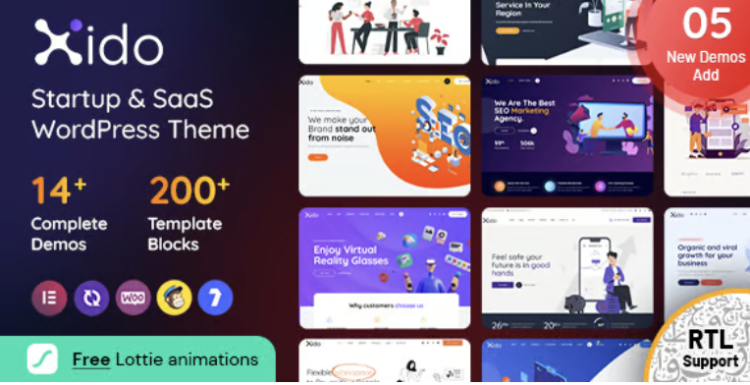
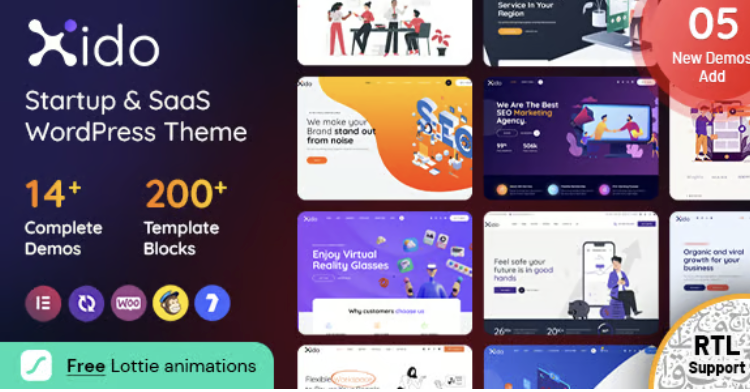
Xido is a meticulously crafted Startup and SaaS WordPress theme designed to launch your technology business into the digital stratosphere. Built specifically for software companies, mobile app developers, and digital agencies, it provides a modern, clean, and highly professional foundation for your online presence. The theme’s intuitive structure and wealth of customization options ensure that you can create a compelling website that effectively communicates your value proposition and captivates your target audience from the very first click.
The Xido – Startup and SaaS WordPress theme offers a pixel-perfect design that establishes immediate credibility and trust with your visitors. Every layout, component, and element has been thoughtfully considered to highlight your products and services, creating a seamless user journey that guides visitors toward conversion. Its versatile framework allows for extensive customization through a user-friendly interface, enabling you to align the website’s look and feel perfectly with your brand identity without needing to write a single line of code.
Key Features
- Built with the powerful Elementor page builder for easy drag-and-drop customization.
- Fully responsive and retina-ready design ensures a flawless display on all devices.
- Includes a collection of unique and modern homepage demos to get you started quickly.
- Flexible header and footer builder for creating custom navigation experiences.
- Advanced theme options panel for granular control over typography, colors, and layout.
- Optimized for speed and performance to deliver a fast and smooth user experience.
- Comprehensive documentation and a professional support system.
Use Cases
This theme is the ideal solution for creating a polished and high-converting landing page for a new mobile app or software launch. Its focused layouts help you expertly showcase features, display persuasive social proof like testimonials, and integrate clear calls-to-action that drive downloads and sign-ups. You can also leverage its corporate-style demos to build a comprehensive website for an established tech firm, complete with dedicated sections for services, company history, and career opportunities.
Beyond a simple marketing site, this flexible Startup and SaaS WordPress theme is perfect for building a complete digital resource hub. You can effectively present detailed case studies to demonstrate your expertise, create transparent and interactive pricing tables, and introduce your expert team members with professional profiles. Its blog layouts are clean, modern, and highly readable, making it an excellent platform for your content marketing efforts that establish your company as a thought leader in the industry.
Benefits
Using the Xido – Startup and SaaS WordPress theme dramatically streamlines your website development process, saving you significant time, effort, and resources. Instead of building a complex site from scratch, you get a robust toolkit of pre-designed pages, sections, and elements tailored specifically for the tech industry’s needs. This efficiency allows you to focus on what truly matters: crafting compelling content and growing your business, rather than getting bogged down in endless technical complexities and custom development.
A major advantage of this theme is its unwavering commitment to high performance and search engine optimization best practices. Built with clean, lightweight, and standards-compliant code, it provides a solid foundation for achieving high search rankings. Its structure and fast loading times contribute directly to a better user experience, which reduces bounce rates and is heavily favored by search engines like Google. This built-in optimization gives your brand a critical competitive edge right from the start.
Xido empowers you to build a website that not only looks stunning but also performs exceptionally well as a powerful marketing tool. The design is inherently conversion-focused, with every element strategically placed to guide users toward your business goals. Whether you want to generate qualified leads, sell software subscriptions, or build a loyal email list, this theme provides the visual appeal and functional power needed to create a high-impact digital presence that drives tangible, measurable results for your startup.


There are no reviews yet.