
 My Account
✅ Product Description
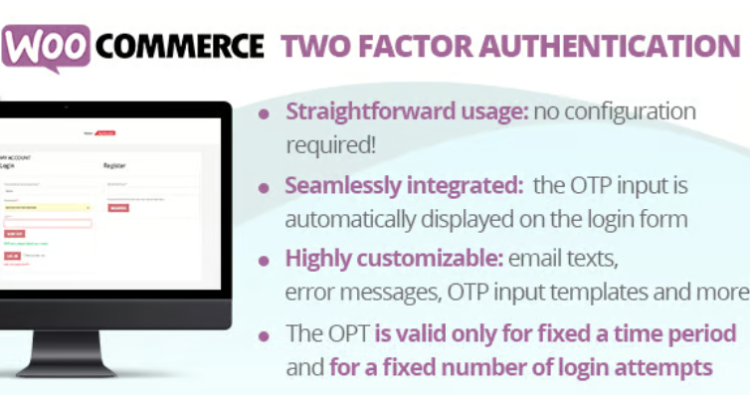
WooCommerce Two Factor Authentication is a security add-on for stores that want stronger account protection without disrupting purchasing. In this overview, you can position it as a practical layer that adds an extra verification step only when a user signs in, helping reduce account takeovers and limiting damage from leaked passwords.
Store security often fails at the simplest point: the login form. Once a stolen password works, attackers can change addresses, view orders, and exploit saved details. WooCommerce Two Factor Authentication helps close that gap by requesting a one-time code after the password check, while keeping the rest of the store flow familiar. You can choose which user roles must verify and how strict the policy should be, so administrators can enforce higher protection for staff accounts while keeping customer friction low. A phased rollout often starts with administrators and managers, then expands to customer accounts once your support copy is ready.
WooCommerce Two Factor Authentication supports real-world operations where some users log in daily and others only occasionally. Settings can be tuned for customer accounts, vendor accounts, or internal teams, with prompts that explain what to do when verification is required. Because the verification step happens before account access, it helps protect key actions such as changing email addresses, updating shipping details, or viewing order history. It also reduces the impact of credential-stuffing attempts, where automated tools test leaked password lists against common usernames. Even if a password matches, the second step can prevent the session from being established.
For stores that manage higher-value orders, WooCommerce Two Factor Authentication provides a straightforward way to raise trust without forcing customers into complicated setup. The goal is to add friction only where it matters most, while leaving browsing, cart, and checkout performance intact. Use it as one part of a broader routine that includes strong passwords, limited admin access, and regular updates, so security stays predictable as the store grows. By standardizing sign-in verification, it also creates a cleaner signal when something unusual happens, which you can pair with your normal monitoring and support workflow.
✅ Key Features
-
Adds a second step during sign-in
-
Prompts for a one-time verification code
-
Role-based enforcement for different user types
-
Adjustable rules to match your risk tolerance
-
Clear user messaging to reduce confusion
-
Settings managed inside the WordPress dashboard
-
Designed to fit standard account workflows
✅ Use Cases
WooCommerce Two Factor Authentication fits stores with customer accounts, membership areas, or frequent logins, especially where order history and addresses are valuable. Stores running private pricing, quotes, or account-only catalogs can also use it to keep gated pages protected.
✅ Benefits
With WooCommerce Two Factor Authentication in place, you reduce the chance that a single stolen password becomes a full account compromise. The store gains a clearer security baseline, fewer tickets tied to suspicious logins, and more confidence that sensitive actions start from a verified session while legitimate customers can still sign in smoothly. It can also help prevent unauthorized changes that lead to delivery issues and support disputes.





ClearPulse
Stable after long use