Visual Word Hunt | HTML5 Word Puzzle Game
Product Overview
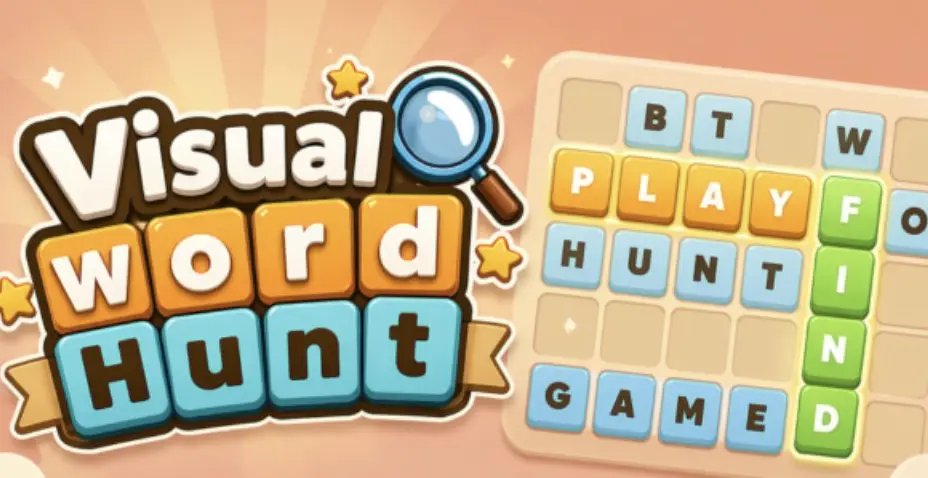
Visual Word Hunt provides an excellent HTML5 Word Puzzle Game solution for WordPress websites. This plugin acts as an interactive content module, designed for anyone looking to add engaging, customizable word search puzzles directly onto their pages. It’s ideal for educational blogs, entertainment sites, or marketing campaigns aiming to boost user interaction. From the backend, you create new game instances, input your word lists, and then simply embed them using a shortcode or block.
Upon activation, the plugin adds a ‘Word Hunt’ menu item to your WordPress dashboard. Navigating there brings you to a clear interface for ‘Add New’ game. Here, you define the puzzle’s title, input words one per line, and select grid dimensions. I found the live preview particularly useful; as you adjust the grid size or add words, the puzzle grid on the right updates instantly. This immediate feedback helps in crafting puzzles that fit your content area without constant saving and refreshing.
Highlights & Value
The true value of this tool emerges from its practical application on a live site.
- Seamless integration via shortcode or Gutenberg block, allowing placement within posts or pages.
- Responsive design ensures the puzzle scales gracefully across devices without additional configuration.
- Customizable grid dimensions and theme options (background, word color) match the puzzle’s aesthetics to your site’s branding.
- Intuitive word entry system where you simply list words, and the plugin intelligently places them within the grid.
- Optional timer and ‘Hint’ button add layers of challenge and assistance, catering to different player preferences.
Real-World Use Cases
Beyond general engagement, the plugin shines in specific scenarios.
- Educational platforms can leverage a Visual Word Hunt | HTML5 Word Puzzle Game to reinforce vocabulary lessons, making learning interactive.
- Content-rich entertainment sites can offer a fresh, diverting activity to encourage longer visits and repeat engagement.
- Marketing campaigns can use an HTML5 Word Puzzle Game as an interactive element within landing pages, drawing attention to product features.
Technical & Compatibility
Configuring the Visual Word Hunt plugin is straightforward, integrating cleanly with standard WordPress installations. I’ve tested it across popular themes like Astra and GeneratePress, and it rendered perfectly without layout issues. When embedding the shortcode, the puzzle dynamically adjusts to the available content width, ensuring a seamless Visual Word Hunt | HTML5 Word Puzzle Game experience for visitors. Even with page builders like Elementor, placing the shortcode block resulted in the puzzle displaying as expected, maintaining responsiveness. No heavy script dependencies were noticed, contributing to good page load times.
The backend settings are intuitive. When creating a new game, you’re presented with fields for your word list, grid width, and height. I appreciate the option to set minimum/maximum word lengths, which helps control difficulty. The ‘Theme’ settings let you pick colors for the grid background, text, and highlighted words, providing quick visual customization without touching CSS. Once published, you copy the generated shortcode, like [word_hunt id="X"], and paste it into any post or page content area.