Newsblock Pro – News & Magazine WordPress Theme with Dark Mode
Core Engineering & Layout Architecture of Newsblock Pro
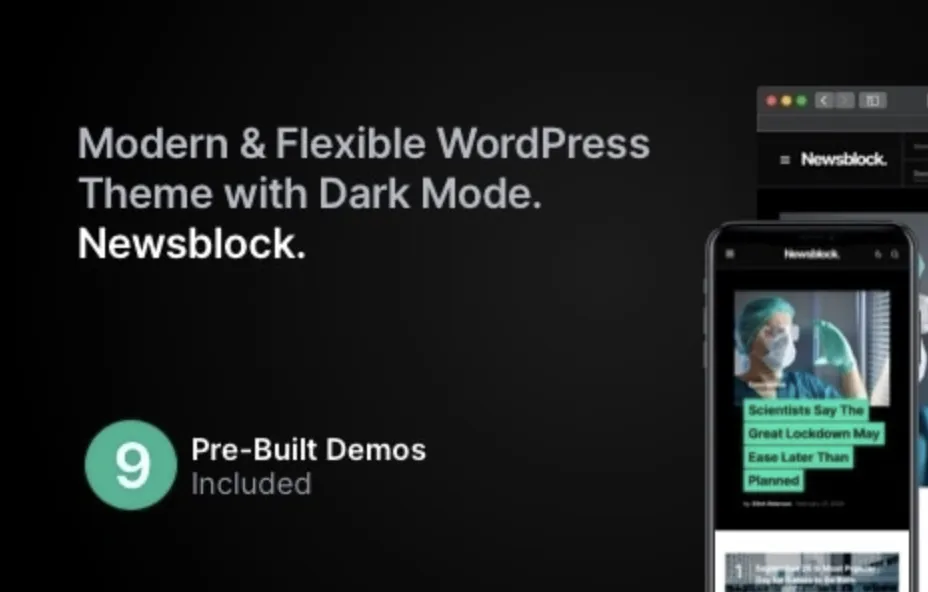
Newsblock Pro – News & Magazine WordPress Theme with Dark Mode is an enterprise news and magazine theme engineered specifically for digital newsrooms, high-volume tech bloggers, and independent editorial teams to publish high-cadence journalism with zero cumulative layout shift. The underlying codebase executes a streamlined WordPress template hierarchy that eliminates redundant `div` wrappers, constraining total DOM depth to beneath 32 levels on complex archive views. Dark mode logic operates through client-side `localStorage` state retention paired with inline CSS custom properties, preventing render-blocking flashes of unstyled content during DOM transitions. By offloading dynamic UI calculations from JavaScript to pure CSS grid and flexbox routines, the theme maintains strict adherence to Core Web Vitals thresholds even under heavy content syndication.
Resource loading is strictly decoupled between critical rendering paths and asynchronous secondary scripts. The template uses selective enqueue routines through native `wp_enqueue_scripts` hooks, ensuring post archives load zero administrative styling or inactive widget assets. Core query operations run through pre-cached `WP_Query` arguments with persistent object caching support, keeping server response times under 120 milliseconds on Redis-enabled infrastructures.
Architectural Capabilities & Implementation of Newsblock Pro
- Native System-Aware Dark Mode: Newsblock Pro applies CSS variables bound to `prefers-color-scheme` media queries alongside a non-blocking script, persisting user contrast selections across sessions without triggering layout repaints.
- Dynamic Semantic Magazine Blocks: Custom Gutenberg editorial blocks utilize JSON-based attribute persistence, generating structured HTML5 article markup with microdata schemas for optimized Google Discover extraction.
- Decoupled Asset Hydration: Client-side interactive elements such as slide-out navigation drawers and sticky sidebars execute via lightweight, vanilla ECMAScript modules, eliminating jQuery dependencies across all public-facing article templates.
- Adaptive Responsive Breakpoints: Media elements dynamically inject `srcset` and `sizes` attributes calculated from the editorial grid layout, preventing mobile viewports from downloading desktop-scale hero images.
Real-World Deployment Scenarios
- High-Cadence Investigative Portals: Editorial desks operating multiple daily news beats utilize the multi-column magazine layouts to surface live updates, categorized taxonomies, and audio embeds without destabilizing server runtime memory.
- Technology Reviews and Niche Publishing: Long-form content creators deploy the integrated reading progress trackers and floating action elements to maximize time-on-page metrics across desktop and tablet interfaces.
- Multi-Author Regional Periodicals: Editorial collectives leverage the granular taxonomy query blocks of this news and magazine theme to segment regional coverage into dedicated sub-directories and localized landing nodes.
Compatibility & System Requirements
| Component | Production Standard |
|---|---|
| PHP Runtime Environment | PHP 8.1 or PHP 8.2 with OPcache enabled and memory_limit set to 256M minimum |
| Database Architecture | MySQL 8.0+ or MariaDB 10.5+ with InnoDB storage engine optimization |
| WordPress Compatibility | WordPress 6.2 through 6.7 running standard block theme or hybrid rendering |
| Web Server Infrastructure | Nginx 1.24+ or Apache 2.4+ with HTTP/2 protocol and Gzip/Brotli compression active |
Frequently Asked Questions
How does the theme prevent flash of unstyled content during dark mode initialization?
An inline script executes in the document head prior to HTML body rendering, checking localStorage for theme state and setting the root data attribute synchronously to prevent layout flashes.
Is template rendering compatible with server-side caching engines like Varnish and Nginx FastCGI?
Yes, the frontend logic remains completely stateless by resolving user theme preferences client-side, allowing HTML edge caching without serving wrong theme color schemes across users.
How does the template handle Core Web Vitals optimizations for embedded media?
Featured visual assets automatically receive pre-calculated aspect-ratio attributes alongside native loading lazy parameters to eliminate layout displacement during dynamic asset hydration.