Crazy Nurse – Construct Game
Product Overview
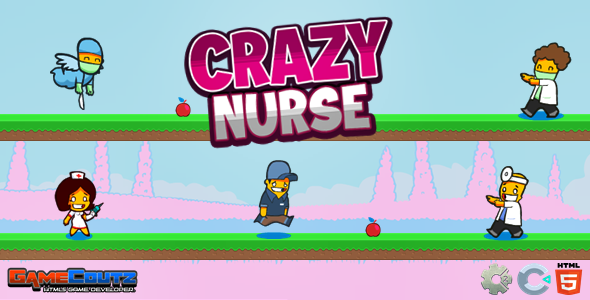
Crazy Nurse presents an interactive Construct Game designed for web embedding, ideal for educational platforms, entertainment sites, or portfolios. This HTML5 game lets users place objects to guide a character through challenges. It targets webmasters, educators, and indie game developers integrating engaging content into WordPress.
The game features an intuitive interface. Select items like planks or springs from an on-screen inventory. A click highlights the item’s outline; a second click places it onto the level grid. Build a path for the nurse to reach a green flag. Pressing the top-right “Play” button initiates the physics simulation.
Highlights & Value
- HTML5 Canvas integration: Game runs directly in browser; no external plugins needed.
- Intuitive drag-and-drop mechanics: Placing game elements is straightforward via mouse or touch.
- Responsive design: Layout adjusts across screen sizes when embedded in a flexible container.
- Level-based progression: Multiple puzzles included out-of-the-box for extended engagement.
- Direct embed potential: Easily integrated into WordPress pages/posts using custom HTML blocks.
Real-World Use Cases
- Educational gaming: Introduce basic physics or problem-solving on school portals or e-learning platforms.
- Website engagement: Add unique, interactive content to sites, reducing bounce rates.
- Portfolio showcasing: Developers can embed this as a live example of HTML5 game development skills.
- Casual entertainment: Offer a simple, fun distraction for visitors on general-interest blogs or forums.
Technical & Compatibility
The Crazy Nurse – Construct Game package includes standard HTML, CSS, and JavaScript files. WordPress integration typically involves placing these files in a server directory, then embedding via an <iframe> tag within an HTML block. This ensures independent operation, preventing theme conflicts.
Performance is robust; the game loads efficiently, usually within seconds. UI controls are distinct, with “Restart” and “Menu” buttons in the top-right. Sound effects are toggled via a speaker icon in the top-left. Compatibility extends to most modern browsers and WordPress themes due to its isolated embed frame.