
 My Account
✅ Product Description
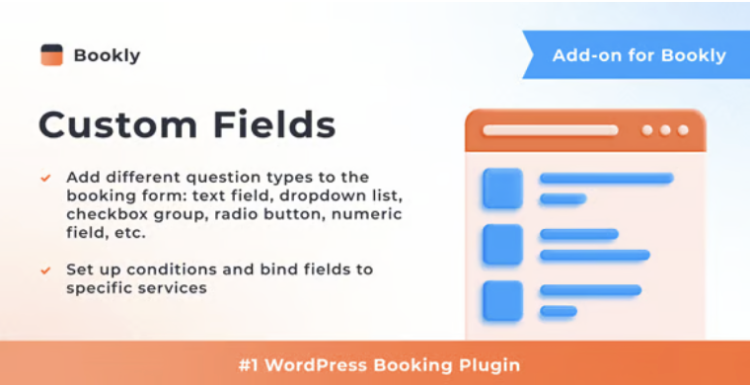
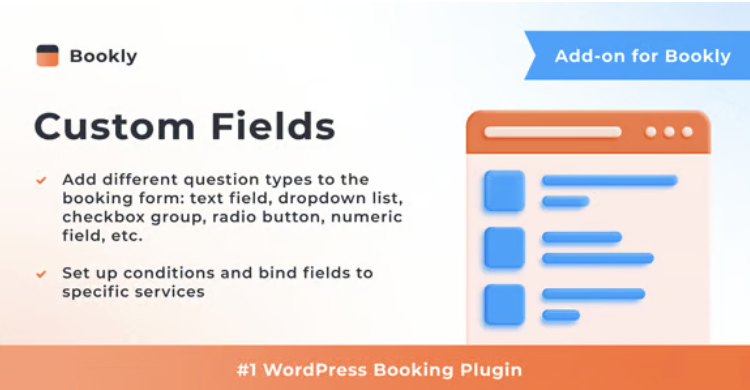
Bookly Custom Fields (Add-on) extends the core Bookly booking plugin by letting you add tailored questions to each step of the appointment process, so a service website can collect the exact details it needs before confirming a time slot. In this overview, you can describe the add-on as a flexible bridge between your customers and your internal workflow, turning the default wizard into a smart form that reflects how your business actually operates. Salons, clinics, agencies, and other service providers can keep the familiar, mobile-friendly booking flow while quietly enriching it with structured data behind the scenes.
With the add-on active, you create new custom fields from a dedicated panel and attach them to specific services, staff members, or locations, keeping every question relevant to the booking being made. When Bookly Custom Fields (Add-on) is configured for a service, text inputs, dropdowns, checkboxes, and paragraph fields can be mixed to capture preferences, preparation notes, contact details, or anything that normally requires extra emails. By routing these answers straight into the appointment record, teams see complete information in one place and spend less time chasing missing details before each visit.
Bookly Custom Fields (Add-on) also helps standardise how information is collected across the organisation, which becomes important as your schedule fills and more people join the team. Instead of relying on handwritten notes or ad-hoc spreadsheets, you can define a clear set of questions for each service type and update them as your processes evolve. This makes it easier to train new staff, maintain consistent records, and keep your booking system ready for new regulations or service packages without rebuilding forms from scratch.
In a busy salon, Bookly Custom Fields (Add-on) can be used to ask about allergies, colour history, or styling preferences before a client arrives, so stylists can prepare products and plan timing more accurately. A wellness clinic might request information about current medications, areas of concern, or previous treatments, giving practitioners a quick snapshot of the client’s situation as soon as the booking appears on the calendar.
Professional services such as coaching, consulting, or photography can use the same Bookly Custom Fields (Add-on) tools to gather goals, project briefs, or location notes during booking, instead of relying on separate questionnaires. Because the answers are stored with each appointment, managers can filter schedules, assign tasks, and respond to rescheduling requests with a clear view of what was originally agreed, reducing friction on both sides.
For site owners, Bookly Custom Fields (Add-on) turns the booking form into a valuable source of insight rather than just a gateway to the calendar. When every appointment includes structured context, patterns emerge around popular services, recurring issues, and common customer questions, helping you refine your offers, adjust time estimates, or update instructions to reduce confusion.
Customers benefit as well, because they feel heard from the very first interaction and receive services that are better tailored to their needs. Staff walk into each appointment with more confidence, front-desk teams handle calls with clearer information at hand, and the business as a whole gains a smoother, more professional booking experience without sacrificing the simplicity that makes Bookly attractive in the first place.
✅ Key Features
-
Visual editor for adding and managing custom fields
-
Support for multiple field types, including text, dropdowns, and checkboxes
-
Per-service and per-staff field assignments for targeted questions
-
Storage of responses inside each appointment record
-
Compatibility with notification emails and other extensions
-
Configuration options that keep forms clean and user-friendly
✅ Use Cases
-
Service businesses that need detailed intake forms for specific appointments
-
Clinics or wellness centres capturing health information before sessions
-
Agencies collecting project briefs and notes at the time of booking
-
Education or coaching providers gathering goals and expectations in advance
✅ Benefits
-
Richer appointment data with fewer follow-up messages
-
Easier staff training thanks to standardised questions
-
Better decisions based on patterns in collected information
-
A more personalised, professional booking experience for customers


 extends the core Bookly booking plugin by letting you add tailored questions to each step of the appointment process, so a service website can collect the exact details it needs before confirming a time slot. In this overview, you can describe the add-on as a flexible bridge between […])
PixelHarbor
Setup took only minutes