
 My Account
✅ Product Description
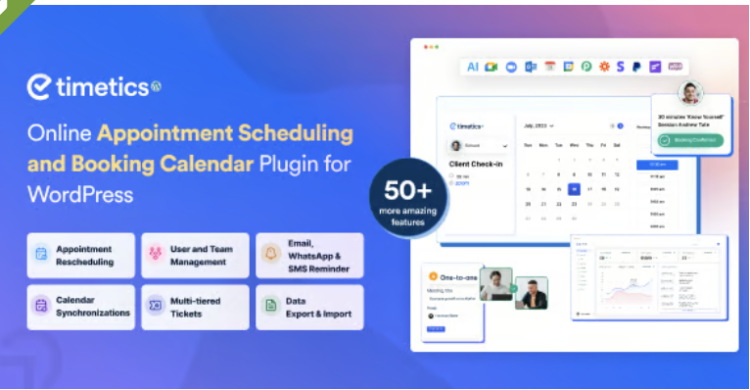
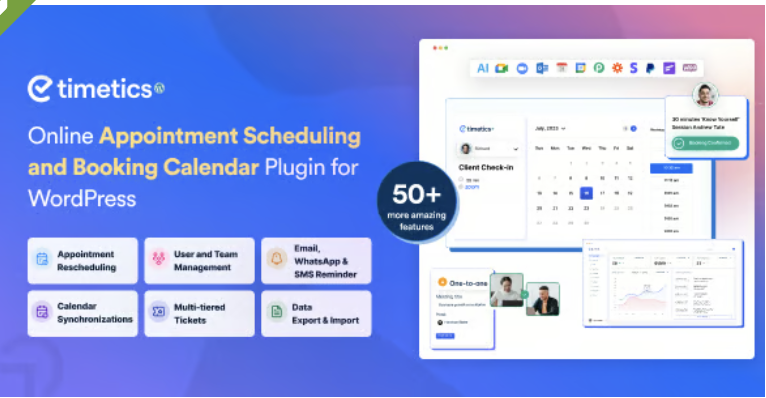
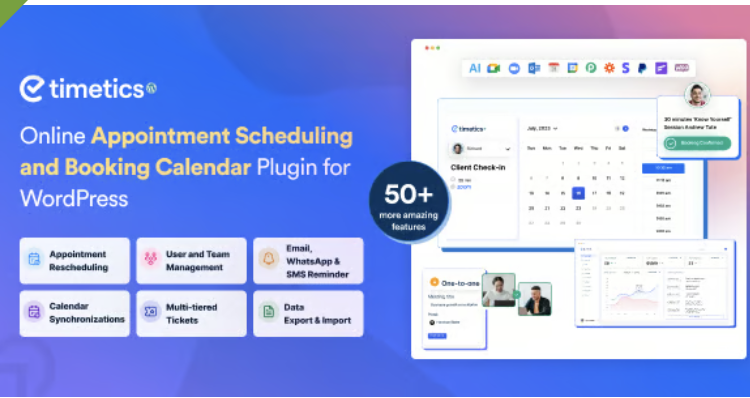
Appointment Booking WordPress Plugin WP Timetics is an automation-first scheduling tool with an optional seat-plan approach, built for consultants, clinics, salons, tutors, and venues that need bookings to happen without endless back-and-forth. It’s ideal when “email us to book” is slowing down conversions on busy, mobile-first sites.
Appointment Booking WordPress Plugin – WP Timetics starts with a clean flow: visitors choose a service, pick a staff member (or a group session), view real availability, then confirm in a form you can tailor to your process. You can set buffers, minimum notice, booking windows, and capacity rules so people can’t grab a slot at the wrong time or overbook a session. If you run classes or limited seating, a visual seat choice makes the reservation feel concrete and reduces confusion. You can also offer multiple durations or recurring sessions when your services follow a pattern for repeat clients.
On the admin side, you define working hours, breaks, holidays, and policies for reschedules and cancellations, then reuse them across multiple services and locations. Manual bookings help when you take a phone call and want to reserve time instantly, while separate staff views keep each person focused on their own calendar. WP Timetics can connect with common calendar and meeting tools so confirmations and updates sync smoothly, and reminders can be sent automatically to cut down on no-shows.
✅ Key Features
-
Availability rules: buffers, notice, booking window, capacity
-
Multi-staff schedules with individual calendars
-
Group bookings for classes, sessions, and workshops
-
Visual seat selection for venue-style reservations
-
Custom fields, form steps, and confirmation messages
-
Automated email reminders and status notifications
-
Payment collection through popular checkout options
-
Embed anywhere using shortcodes or blocks
✅ Use Cases
Appointment Booking WordPress Plugin – WP Timetics fits when you sell time: discovery calls, coaching, consultations, interviews, tutoring, support appointments, or hands-on services that need a clear start and end time. It also works for workshops and limited-seat sessions where “first come, first served” must be transparent, and where a seat map helps attendees feel confident about what they’re reserving.
For agencies and internal teams, it can replace shared spreadsheets by pulling availability into one place, handling time zones, and reducing double-booking risk. You can embed booking steps on landing pages, route different services to different team members, and keep the experience consistent from first click to confirmation—while still keeping the option to approve, adjust, or reschedule behind the scenes.
✅ Benefits
Appointment Booking WordPress Plugin helps you convert intent into action by making scheduling feel instant: the visitor sees options, commits to a slot, and receives confirmation without waiting for a reply. That speed matters on mobile, where people abandon forms quickly if anything feels uncertain. When payments are collected upfront, the slot becomes a real commitment, not a “maybe.”
With clearer rules and automated reminders, your team spends less time coordinating and more time delivering the service. Over time, reliable booking data also makes it easier to spot peak hours, balance workloads, and refine your service menu based on what customers actually choose—resulting in fewer interruptions and a more professional booking experience.




CloudNook
Does not slow my site