
 My Account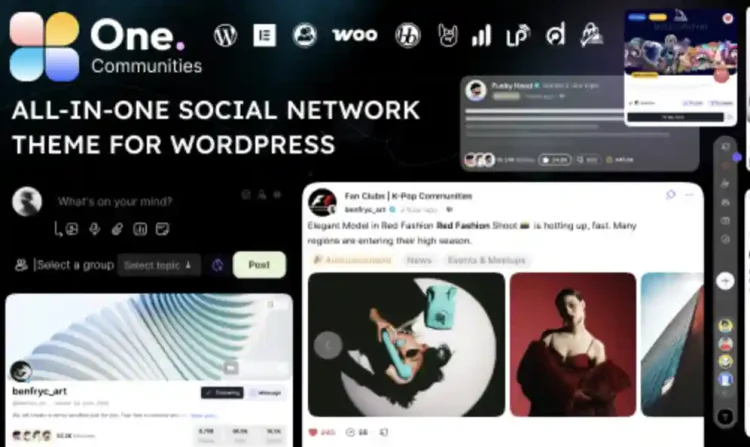
✅ Product Overview
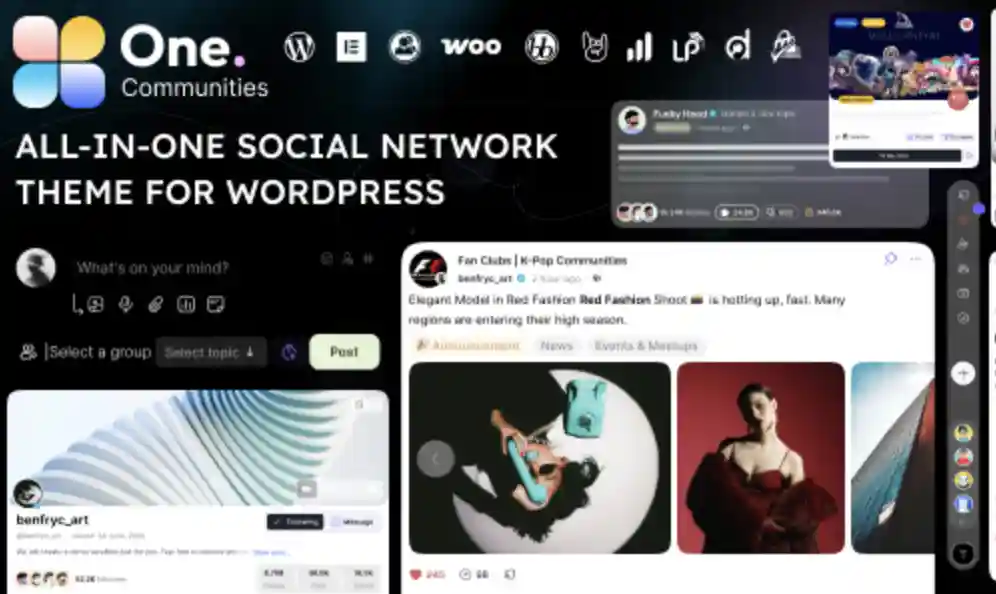
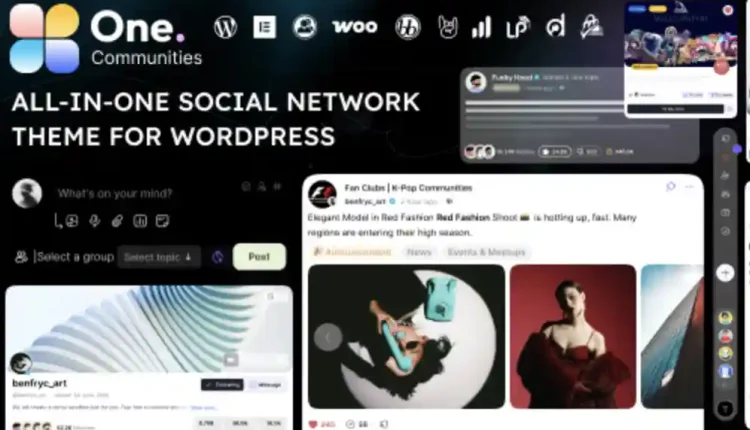
One BuddyPress Theme for Membership & Community Sites provides a unified social networking layout designed specifically for local clubs, interest groups, and professional associations. This layout kit offers structured profile cards, detailed activity stream blocks, and clean member lists designed to handle growing community platforms. Web builders can place responsive, multi-column directories on the homepage to highlight featured groups, active threads, and upcoming events. The theme components align to clean spacing guidelines, ensuring that avatars and media attachments remain legible on desktop monitors and small mobile displays.
Configuring One – BuddyPress Theme for Membership & Community Sites allows site managers to construct clear activity streams, interactive member directories, and messaging dashboards. The interface layout features high-contrast notification badges, slide-out sidebar navigation, and clean button controls to guide users through registration and login screens. Users will find pre-built blocks for displaying member statistics, user achievements, and ongoing group discussions. These standard interface containers help community leaders assemble an interactive platform without having to configure complex layout styling from scratch.
✅ Highlights & Value
For local community builders, adopting a dedicated BuddyPress Theme for Membership & Community Sites ensures that user profile headers and private inbox messaging grids look clean on mobile viewports. Every styling component coordinates with default core blocks to maintain stable container margins and clean text alignments. This structural layout keeps content organized, preventing display overlaps when displaying dense activity feeds such as long discussion threads or multiple image uploads. The customizer options allow site builders to tweak typography sizes, boundary padding, and widget placements with simple control toggles.
- Tabbed Member Profiles: Pre-arranged grid layouts that allow community members to toggle between public bios, activity updates, and personal forums.
- Dynamic Activity Feed Filter: Includes search and filter dropdown containers where visitors can sort updates by updates, forum posts, or new friendships.
- Member Connection Triggers: Pre-configured action buttons that let logged-in users send friend requests and direct private messages instantly.
- Group Directory Grid: Features clean grid lists that display active community groups alongside membership counts and description cards.
✅ Real-World Use Cases
Deploying One – BuddyPress Theme for Membership & Community Sites in active digital portals gives community organizers immediate layout advantages for displaying user-generated content feeds. The block structures adapt cleanly to different social niches, keeping the client-facing user dashboard simple and predictable. This visual flexibility is highly beneficial when setting up distinct kinds of digital community networks.
- Alumni Networking Hubs: Structuring professional directories that allow graduates to search for former classmates and update their employment cards.
- Local Sports Club Portals: Creating team hubs featuring game photo sharing galleries, member role descriptions, and schedule announcement boards.
- Digital Hobbyist Forums: Implementing detailed discussion layouts that allow users to share project updates and reply to community questions.
- Private Business Communities: Setting up secure client platforms featuring member-only resource libraries, activity feeds, and secure direct messaging options.
✅ Technical & Compatibility
One utilizes native WordPress customizer options to manage key visual details like button padding, sidebar placement, and custom color palettes. The underlying template files are optimized to prevent slow loading times when displaying heavy profile images or long dynamic activity lists on the front end. Developers can adjust notification intervals, update default avatar placeholders, and control register settings directly from the dashboard panel. This keeps the user interface light and responsive during peak activity hours.
The theme assets maintain strict compatibility with native block editors, popular contact forms, and translation packages. The responsive containers scale dynamically when users switch from landscape to portrait view, preserving the alignment of navigation buttons and input fields. Site developers can rely on standard hooks to inject custom profile fields without editing core template systems. This standard coding approach minimizes layout conflicts when integrating third-party member protection or security plugins.
✅ FAQ & Tips
How can administrators customize the main registration form? You can easily expand the registration fields through the native profile settings panel inside the dashboard. These new fields integrate seamlessly into the sign-up container, ensuring that input boxes and validation alerts align perfectly with the overall site style.
To ensure the best loading speeds on mobile connections, we suggest utilizing compressed image formats for member avatars and cover photos. Avoiding heavy background videos on user directories helps preserve memory on lower-end devices. Keeping your CSS assets clean and lightweight ensures that the platform maintains a fast, responsive transition when users click between profile tabs.





Sophie
The best value product I’ve ever bought online.
terminalTulip
Large posts don’t freeze the editor.
Aria
Super cheap and compatible with everything I use.
Ava
This theme is both cheap and extremely useful.
AIonix
Billing history is easy to audit.
Leah
Fast installation and works perfectly from the start.
SolarKnight
Metered usage matched what we saw.
Stella
Cheap but powerful, I’m really impressed.
sodaLighthouse
Advanced features hit real-world needs.
LunaDrift
I’d recommend it to a friend without caveats.