
 My Account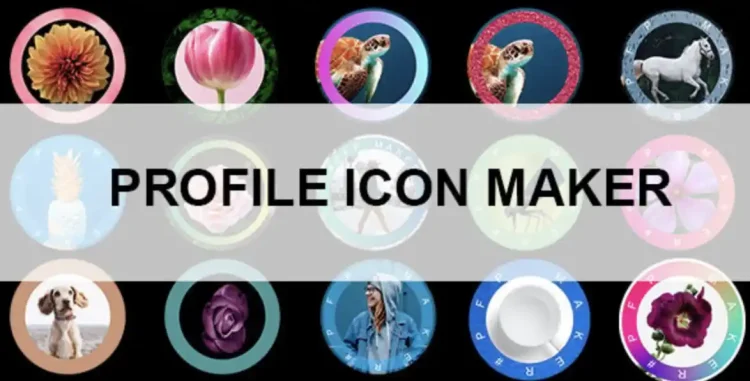
✅ Product Overview
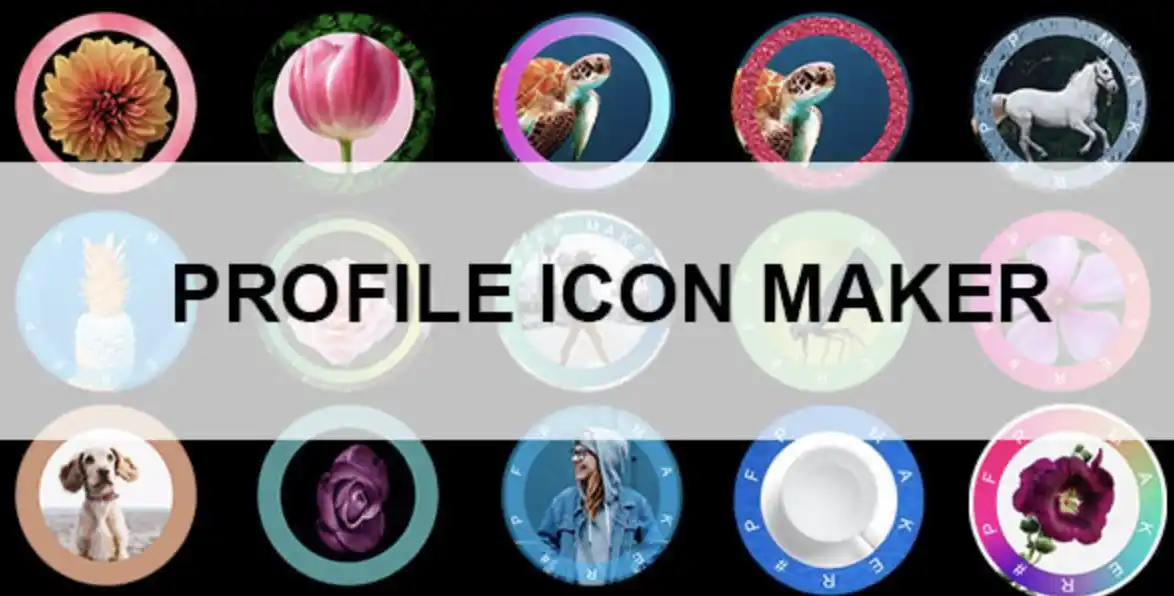
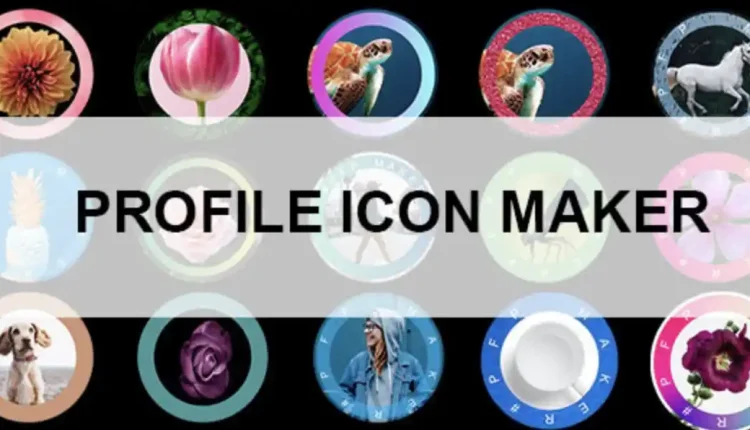
Profile Icon Maker is a native mobile iOS application template designed for developers looking to build and publish custom avatar and contact picture editing tools. This mobile codebase provides structured storyboard layouts, responsive touch controls, and preset graphic layers to handle real-time editing. App developers can place predesigned avatar templates, ring borders, and gradient background overlays directly onto the user canvas. The interface elements scale dynamically on iOS viewports, keeping the adjustment sliders, crop boxes, and download icons legible on both compact and max-sized screen layouts.
Integrating Profile Icon Maker into active app store campaigns gives creators a pre-built user interface complete with built-in purchase configurations. The application layout features circular crop boundaries, slider adjustments for ring widths, and interactive color palettes that update the graphic canvas instantly. Users will find designated spacing for displaying unlocked stickers, border offsets, and custom text options. These pre-arranged UI containers help mobile developers compile and publish a polished design application without having to write complex core drawing scripts from scratch.
✅ Highlights & Value
For independent iOS publishers, configuring a dedicated Profile Icon Maker template simplifies the process of styling and launching native mobile utilities. Every layout file coordinates with default Storyboard systems to maintain stable view heights and button alignments. This visual stability prevents slider control overlapping when users adjust ring offsets or switch between background textures. The lightweight codebase allows developers to customize default stickers, edit local localized file lists, and configure banner locations directly from the primary configuration files.
- – Ring and Border Offsets: Features customizable thickness and gap adjusters that allow users to scale colored boundaries around their profile picture.
- – Gradient Background Overlays: Includes pre-configured color palettes supporting multi-stop linear and radial gradient colors for custom background fills.
- – Pop Profile Effects: Offers stylized pop-out graphics where the user avatar silhouette stands out cleanly against circular background frames.
- – Localized Progress Rings: Provides circular loading and progress borders that users can customize with step counts or custom percent text displays.
✅ Real-World Use Cases
Deploying Profile Icon Maker in active app store portfolios provides immediate layout and monetization advantages for utility developers. The structural views adapt to various user-generated content scenarios, keeping the app-to-device interaction simple and highly responsive. This system flexibility is particularly useful when tailoring the code for specific niches.
- – Instant Messenger Avatars: Creating stylized, bordered pictures optimized for contact lists and status ring indicators in messaging programs.
- – Corporate Directory Badges: Structuring uniform profile images with color-coded border rings to distinguish team roles inside internal business directories.
- – Gamified Avatar Creation: Setting up reward progress bars and unlockable stickers that encourage users to customize their profiles through active play.
- – Special Event Profile Frames: Building temporary holiday border themes, promotional badges, and overlays that users can apply with a single tap.
✅ Technical & Compatibility
Profile Icon Maker relies on native iOS rendering modules and Obj-C frameworks to compile lightweight, fast-loading application binaries. The storyboard files are optimized to avoid lag when processing large, high-resolution background graphics on older device models. Developers can adjust standard bounds, default gradient settings, and advertising intervals within the main project settings. This clean code hierarchy keeps memory usage low, preventing app crashes during active image export processes.
This Profile Icon Maker package maintains complete compatibility with current Xcode compilation standards and iOS interface guidelines. The responsive view controllers scale image layers and menu heights dynamically when switching orientations, keeping target buttons highly touchable. Developers can use the pre-built storyboards to add extra screen paths without altering the underlying touch-handling structures. This standard development process avoids interface bugs when updating core library frameworks.
✅ FAQ & Tips
How can developers customize the built-in sticker library? You can drop your custom vector assets directly into the localized resource folder and reference them within the primary array lists. These newly added files will display automatically on the slider menu, aligning perfectly with the template’s spacing parameters.
To ensure the best performance on the App Store, we recommend using compressed PNG assets for your custom border decals. Large, uncompressed textures should be avoided in the active image canvas to prevent memory pressure on older devices. Keeping the local resources light ensures that the rendering engine switches background colors and sticker layers without transition lag.





There are no reviews yet.