
 My Account
✅ Product Description
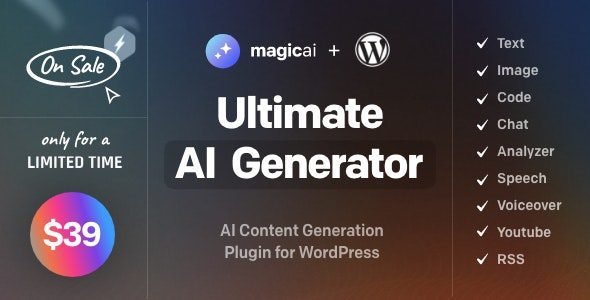
MagicAI for WordPress is an all-in-one creation suite built for publishers, shops, and agencies that need on-demand content, media, and assistants inside WP. It brings AI Text, Image Chat Code and Voice Generator into your dashboard so teams produce more in less time while keeping brand quality consistent.
Spin up drafts, product blurbs, and SEO snippets, then iterate with natural language. Designers can prompt visuals, refine styles, and export web-ready assets without leaving the editor. Developers accelerate boilerplate with safe code suggestions and inline explanations, while support teams deploy chat workflows that answer FAQs and capture leads.
Tight role controls, reusable prompt templates, and audit-friendly histories keep collaboration predictable. From landing pages to help centers, you orchestrate outputs across posts, CPTs, and WooCommerce—without juggling multiple plugins.
✅ Key Features
-
Visual prompt builder and reusable templates
-
Draft, rewrite, summarize, and tone controls
-
Image generation with size and aspect options
-
Inline code suggestions and explanations
-
Conversational assistants embed on any page
-
Voice notes to text and text to audio
-
Role/permission rules and usage logs
-
Multilingual workflows and export tools
✅ Use Cases
AI Text, Image Chat Code and Voice Generator helps editorial teams clear content backlogs—ideate headlines, outline sections, then auto-generate first drafts for human polish. Ecommerce managers craft product copy, alt text, and comparison tables, while designers create on-brand hero images and background art from prompts.
Agencies package repeatable workflows: define tone, SEO fields, and compliance checks once, then share templates across clients. Educators and course creators transform scripts into lesson summaries, slide bullet points, and audio snippets for accessibility.
✅ Benefits
MagicAI for WordPress shortens time-to-publish by centralizing AI tools where work already happens. Consistent prompts and guardrails improve quality, while automation reduces busywork across writing, design, support, and development.
Cost control improves as multiple functions consolidate under one interface. Teams stay in flow, editors remain the final gate, and stakeholders get traceable change histories for every generated asset.
✅ Workflow Tips
Start with a content brief template—audience, voice, goals—then run generation and revision passes. Save winning prompts, attach them to CPTs, and schedule recurring refreshes for stale pages. Pair chat widgets with knowledge bases so assistants answer with verified sources and capture intent for follow-ups.
✅ Compliance & Governance
Establish role-based approvals: contributors draft, editors approve, and managers review usage analytics weekly. Keep prompt libraries versioned, and document brand/SEO rules so outputs remain consistent across teams and sites.


AquaShade
I’ll definitely buy again.