
 My Account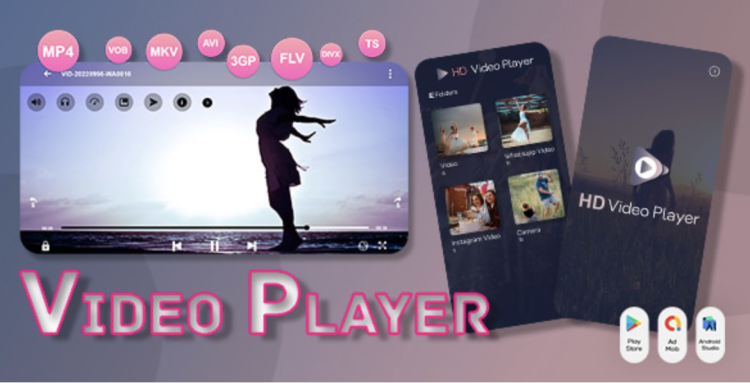
✅ Product Overview
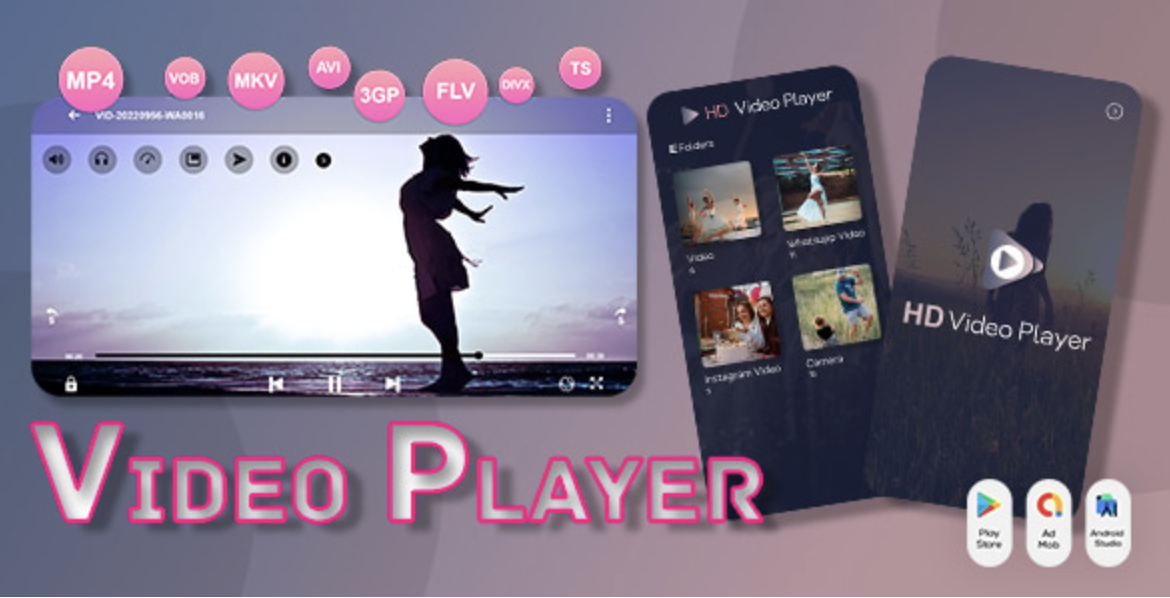
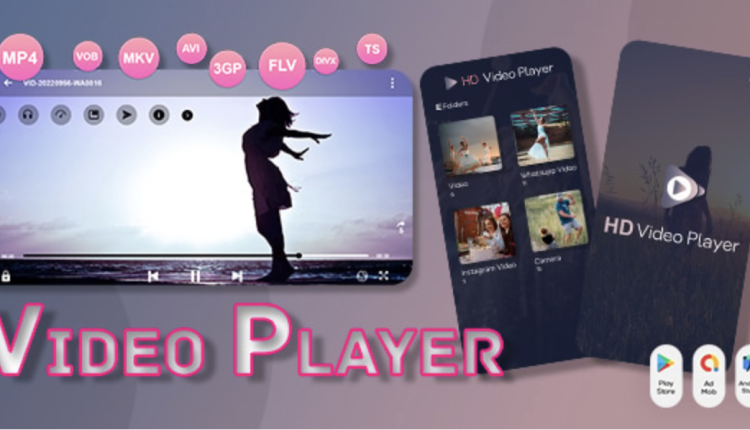
Video Player Androi Video Player All Format – All in One Video Player provides an optimized media rendering codebase designed for mobile application developers and video playback engineers. This template and component package offers ready-to-use layouts, controls, and rendering layers that support multiple file formats. Mobile developers can deploy these elements to build full-screen visual players featuring volume sliders, brightness controls, and aspect ratio adjustments. The structural classes are set up to handle background processing, orientation switches, and gesture inputs cleanly across different screens.
Configuring Video Player Androi – Video Player All Format – All in One Video Player allows developers to integrate hardware-accelerated playback tools directly into their mobile application layouts. The interface structure provides easy-to-use buttons, fluid slide-out menus, and clear visual overlays that inform users about playback speeds. Developers will find pre-built container blocks designed for progress timelines, chapter marks, and play-pause buttons. These modular layout components help build a professional visual player experience without the need to code complex interface overlays from scratch.
✅ Highlights & Value
Integrating a flexible Video Player All Format – All in One Video Player into your mobile layout ensures that users enjoy fluid high-definition playback across various file structures. Every layout file is organized into modular classes, allowing developers to customize UI colors and adjust sizing margins. The container structures are fully responsive, resizing button grids and seeking panels automatically on different device layouts. This design flexibility helps maintain consistent user experiences across varying display resolutions.
- Advanced Gesture Controls: Includes responsive swipe-to-seek, vertical swipe for volume, and horizontal slide features for brightness adjustments.
- Format Compatibility Matrix: Supports a wide range of extensions including MKV, MP4, M4V, AVI, MOV, 3GP, FLV, WMV, and RMVB.
- Picture-in-Picture Layouts: Provides clean background pop-up windows that allow users to continue watching videos while using other apps.
- Theme Customization Containers: Offers flexible CSS and style structures to change player colors, control styles, and button alignments easily.
✅ Real-World Use Cases
Deploying Video Player Androi – Video Player All Format – All in One Video Player in active client applications offers robust video streaming stability across various networking states. The block components adjust seamlessly to fit different commercial streaming environments. This structural adaptability ensures that different client app structures are cleanly executed on the frontend.
- Educational Video Portals: Setting up structured video lists alongside lesson descriptions to create clean, easy-to-navigate training interfaces.
- Local Media Player Apps: Building robust offline player portals featuring auto-scanning tools that catalog local memory folders.
- B2B Video Presentation Hubs: Designing professional client portals that play secure internal presentations complete with watermarked overlays.
- Social Media Feed Players: Implementing lightweight video containers that auto-play clips inside vertical feeds while conserving battery usage.
✅ Technical & Compatibility
Video Player Androi supports advanced subtitle rendering alongside multi-track audio selection to give users granular control over their screen experience. The underlying rendering engine utilizes low-level decoding libraries to reduce hardware strain during prolonged playback sessions. Every module is structured to load minimal background scripts, keeping the main thread responsive during sudden user inputs. Developers can modify the core layout styles and margin paddings directly through simple configuration scripts.
The theme files maintain strict compatibility with native developer libraries, standard contact forms, and security extensions. The control overlays scale dynamically when switching between landscape and portrait views, keeping the UI highly functional. Site administrators and app developers can use the pre-built layouts to assemble clean media views without styling everything from scratch. This standard coding approach minimizes layout conflicts when integrating custom streaming protocols.
✅ FAQ & Tips
How can developers optimize playback performance for large 4K files? You can configure the theme to use hardware decoding options by default, allowing the player to leverage the device GPU rather than relying solely on CPU resources. This setting resides within the player initialization controller, preventing visual stutter or heating during high-bitrate playback.
To ensure the best loading performance, we recommend using optimized poster images for video thumbnails. High-resolution cover art should be compressed to keep initial screen loading times low before the video playback actually starts. This optimization practice keeps the layout responsive and fast, ensuring a quick transition when the play button is tapped.



There are no reviews yet.